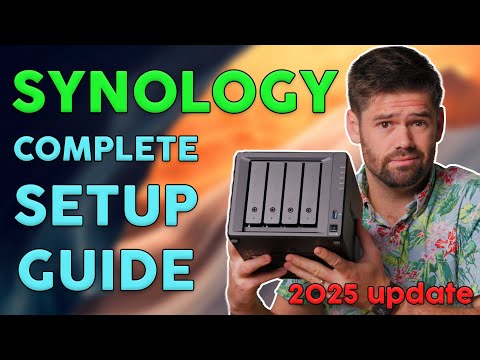
This video is a complete guide for setting up a Synology NAS for business. I will be focusing on the fundamentals, from first receiving the NAS to up and running as a file server. Hire Me! Post on the Forums! Links mentioned: Which RAID should you use: Advanced share permissions: Connecting to drives on Windows: Next videos to watch: Remote access guide: Synology drive: Top reasons your Synology is slow: How to secure your NAS: All backup methods explained: Why you should not host email server: Active backup for business: BTRFS snapshot guide: Ransomware protection: Product Recommendations*: Hard drives I recommend: Starter NAS with BTRFS: Great all around NAS with BTRFS: More powerful NAS with BTRFS (great for larger/mid sized businesses): UPS: #nas #synology TOC: 00:00 Introduction 01:53 What Synology should you buy? 05:18 Installing the drives and turning it on 08:12 Connecting to computer 09:52 Side note on best practices 12:13 Installing DSM 15:39 Creating storage pool 20:05 Schedule tasks I recommend (data scrubbing and Smart Test) 22:16 Security settings 25:14 UPS 26:22 Emptying the recycling bin 27:16 Setting up users and groups 35:45 Setup snapshots 39:08 How to mount drives 41:18 Snapshots demo 43:08 A few more useful settings to know 44:37 Backups 46:43 Videos to check out next 49:33 Conclusion *These are affiliate links, which means that if you purchase a product through one of them, I will receive a small commission (at no additional cost to you). Thank you for supporting my channel!
- 48981Просмотров
- 1 год назадОпубликованоSpaceRex
How to set up Synology for your Business: COMPLETE BEGINNER GUIDE
Похожее видео







Популярное
Новини