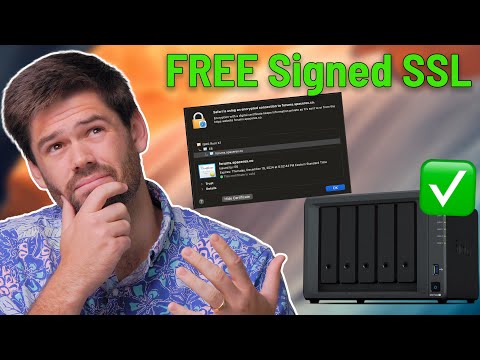
You've gone through a tutorial to secure your Synology NAS, but you are still getting a message that says the webpage is not secure. In this video, I will be walking through why this message appears, if you should actually be concerned, and how to prevent it. Hire Me! Post on the Forums! Links mentioned: Let's Encrypt: Synology Recommendations*: Hard drives I recommend: Starter NAS with BTRFS: Great all around NAS with BTRFS: More powerful NAS with BTRFS (great for larger/mid sized businesses): #nas #synology TOC: 00:00 Introduction 02:44 How SSL (TLS) Encryption works 09:58 Why certificate fails on Synology 11:53 How to remove "not secure" message 13:45 Option 1: QuickConnect 16:04 Option 2: Let's Encrypt 20:05 Option 3: Generate your own certificate authority 20:37 Conclusion *These are affiliate links, which means that if you purchase a product through one of them, I will receive a small commission (at no additional cost to you). Thank you for supporting my channel!
- 34560Просмотров
- 1 год назадОпубликованоSpaceRex
Why Synology Says "This Connection is Not Private" - (How SSL Encryption Works)
Похожее видео




Популярное
Новини