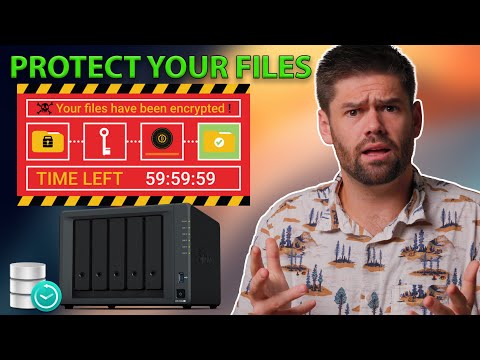
In this video, I will be covering what ransomware is and how to protect your NAS. I go over some simple steps that pretty much everyone should take to prevent a ransomware attack, as well as some measures to make sure your data is safe even if an attack occurs. Hire Me! Post on the Forums! Related Tutorials: Snapshot Guide: DSM 7.2 immutable snapshots (16 min mark): Is Quick Connect Secure?: Hyperbackup guide: Synology Recommendations*: Hard drives I recommend: Starter NAS with BTRFS: Great all around NAS with BTRFS: More powerful NAS with BTRFS (great for larger/mid sized businesses): #synology #nas #ransomware TOC: 00:00 Introduction 00:23 What is ransomware? 03:05 Hardware requirements 04:35 Basic security settings 07:58 User & Group settings 10:42 File Access settings (including SMB) 13:26 External Access settings (Quick Connect and UPnP) 15:42 Which ports do you have open? 22:55 Recovering from ransomeware with snapshot replication 26:55 Snapshot setup walkthrough 33:48 Restoring from snapshots after a ransomware attack 36:54 Conclusion *These are affiliate links, which means that if you purchase a product through one of them, I will receive a small commission (at no additional cost to you). Thank you for supporting my channel!
- 112539Просмотров
- 2 года назадОпубликованоSpaceRex
Ransomware Protection: The Complete Guide for Synology NAS
Похожее видео








Популярное
Новини