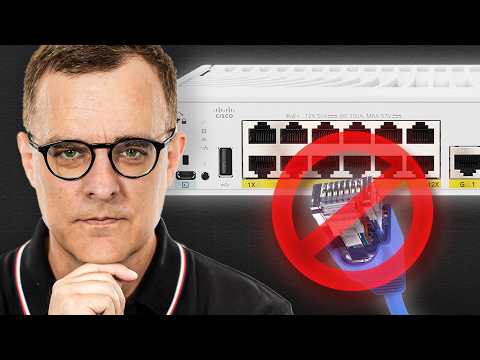
Learn Cisco Port Security the right way. In this CCNA-focused lesson I show you: 1) How switches learn MAC addresses: dynamic, static and sticky 2) Where each option stores the address (MAC table vs running config) 3) Default limits (max 1 MAC) and violation mode (shutdown) 4) What protect vs restrict vs shutdown really do, with real CLI outputs 5) Exactly which commands to run (switchport port-security, sticky, show commands) If you’re prepping for CCNA or locking down access ports, this walkthrough will save you time and lab frustration. // Playlist to CCNA Course REFERENCE // // David's SOCIAL // Discord: X: Instagram: LinkedIn: Facebook: TikTok: @davidbombal YouTube: @davidbombal Spotify: SoundCloud: Apple Podcast: // MY STUFF // // SPONSORS // Interested in sponsoring my videos? Reach out to my team here: sponsors@ // MENU // 0:00 – Enabling Port Security 01:36 – Allowed MAC Addresses 03:00 – Renewing IP Addresses on the PC 03:27 – Dynamic Secure MAC Addresses Do Not Age Out by Default 03:45 – Dynamic MAC Addresses Are Not Stored in the Running Configuration 05:47 – Configuring MAC Addresses on a Port 06:20 – Understanding MAC Addresses 06:38 – Sticky Secure MAC Addresses 08:47 – The Difference with Dynamic MAC Addresses 09:41 – What Happens When There Is a Violation? 10:27 – Conclusion Please note that links listed may be affiliate links and provide me with a small percentage/kickback should you use them to purchase any of the items listed or recommended. Thank you for supporting me and this channel! Disclaimer: This video is for educational purposes only. #cisco #ccna #portsecurity
- 62257Просмотров
- 4 месяца назадОпубликованоDavid Bombal Tech
The ULTIMATE Guide to Cisco Port Security - Part 2
Похожее видео







Популярное
Новини