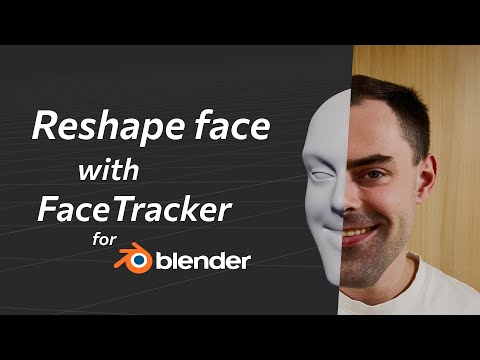
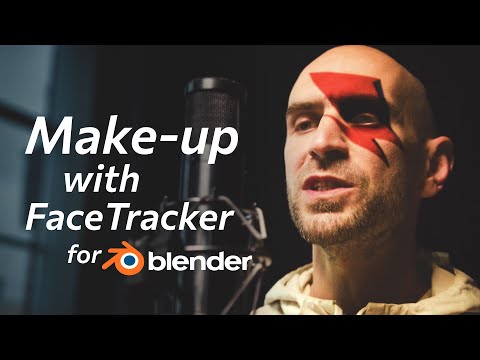
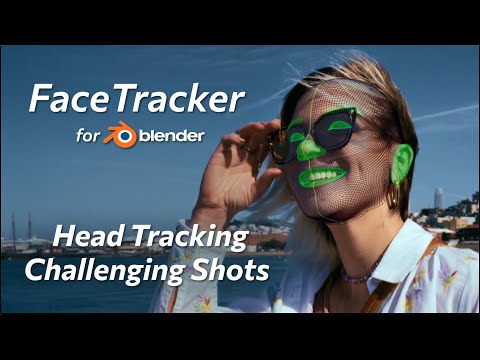
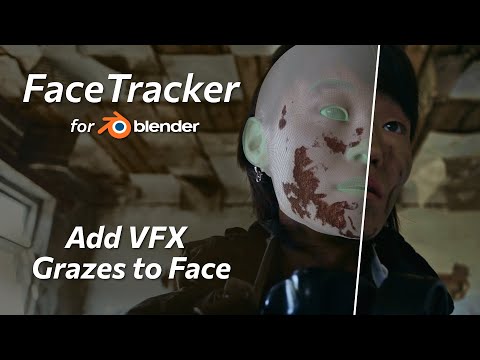
In this video, you’ll learn how to track faces with the new KeenTools add-on in order to enhance them with 3D visual effects and simulations without quitting Blender. We’ll uncover each step from creating a custom 3D head mesh based on snapshots of video frames with the built-in FaceBuilder module, and then using it to capture facial performance as well as head motion, to applying a simple уet elegant visual effect and comping it to the background video. Timecodes: 0:00 – Intro & examples 0:19 – Download and install 0:35 – How to add a visual effect to actor’s face 0:56 – FaceTracker inputs 2:09 – Generate custom face mesh 2:38 – Built-in FaceBuilder module 3:03 – Line up face mesh with FaceBuilder tools 3:45 – Custom 3D head from a single snapshot 4:14 – Improve face geometry with additional images 5:06 – Face building result 5:28 – Line up face mesh in initial frame 6:36 – Automatic focal length estimation 7:20 – Track and refine 8:39 – See face track in 3D 9:18 – Position and scale your scene 9:52 – Export options 10:07 – Create texture blended from selected frames 10:55 – Animated texture map 11:06 – Add visual effect and light 12:21 – Compositing 12:38 – Final Result Download FaceTracker for Blender: Download Full Project and materials: Read FaceTracker for Blender guide: Subscribe to our newsletter to stay in tune with the latest updates: Our website: Our social networks:
- 42771Просмотров
- 1 год назадОпубликованоKeenTools
The Basics of Face Tracking – FaceTracker for Blender Tutorial
Похожее видео



Популярное
Новини