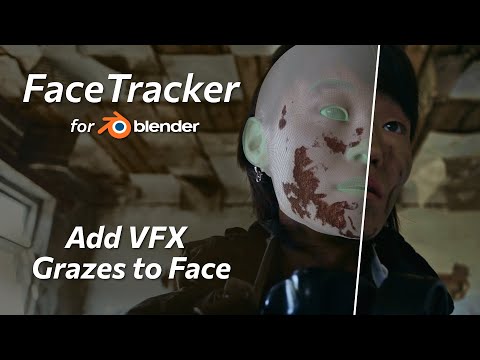
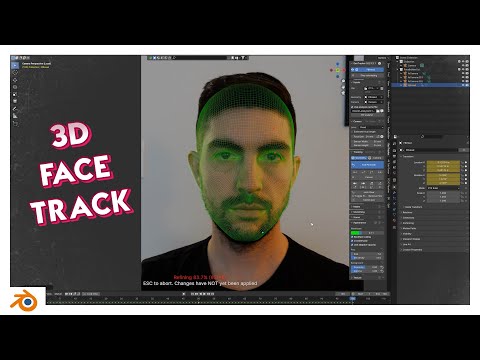
In this short video tutorial you’ll learn how to improve the accuracy of head tracking and mocap by masking out objects that obscure the actor’s face, like hair, hat, hands or props. You will see how to use different types of FaceTracker masks for different types of occlusions and find out when masking may not even be necessary. Timecodes: 0:00 – Intro 0:15 – Generate custom face mesh 1:28 – Track facial performance and head motion 1:59 – Mask out hair with the Surface masks 3:14 – Use Compositing mask for hands and props 4:12 – Tracking results 4:29 – Add tattoos overview Download FaceTracker for Blender: Add tattoo and digital make up with FaceTracker for Blender (video tutorial): Download full project and materials: Read FaceTracker for Blender guide: Subscribe to our newsletter to stay in tune with the latest updates: Our website: Our social networks:
- 7192Просмотров
- 8 месяцев назадОпубликованоKeenTools
Head Tracking Challenging Shots – FaceTracker for Blender Tutorial
Похожее видео
Популярное
Новини