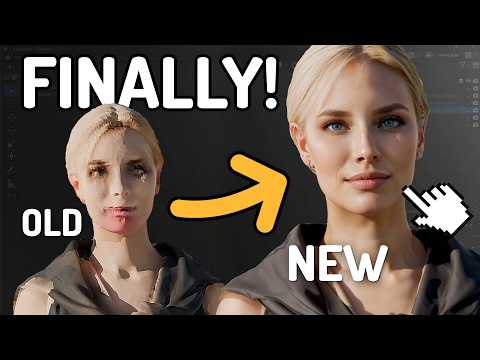
Hey everyone, Stefan here. Ever wondered how to take a complex AI-generated model and bring it into the real world with 3D printing? In this tutorial, I’ll guide you through the entire process of preparing a 3D model for printing in Blender. We'll cover the essential steps to ensure a successful print, from making the model "watertight" and fixing non-manifold geometry to setting it up in a slicer. I'll explain why these technical checks are crucial and show you how to troubleshoot common issues. By the end of this video, you'll have a clean, optimized, and printable file ready for your 3D printer. --- 🎁 Win a FREE Hitem 3D Pro subscription! To enter the giveaway: 1️⃣ Register on Hitem 3D using this link → 2️⃣ Leave a comment under this video. The 5 best comments will receive a Hitem 3D Pro subscription! Don’t miss your chance — good luck! 🍀 --- What should we create next with 3D printing? Let me know your ideas in the comments! 👇 --- Video Chapters: 00:00 - Intro: From Digital AI to Physical Object 00:48 - The Goal: A "Watertight" Model for Printing 01:51 - Step 1: Making the Model Solid (Solidify Modifier) 04:12 - Step 2: Finding & Fixing Holes (Select Non-Manifold) 08:25 - Step 3: Verifying the Model is Watertight 11:10 - Step 4: Exporting the Final STL File from Blender 12:15 - Step 5: Slicer Setup (Supports, Infill, and Settings) 16:45 - Final Result & What's Next --- Resources & Links: Join my Discord: Connect with me on X (Twitter): Connect with me on LinkedIn: My Website: Collaborate or hire me:
- 95621Просмотров
- 1 месяц назадОпубликованоStefan 3D AI Lab
From AI Model to 3D Print – Full Workflow Tutorial
Похожее видео







Популярное
Новини