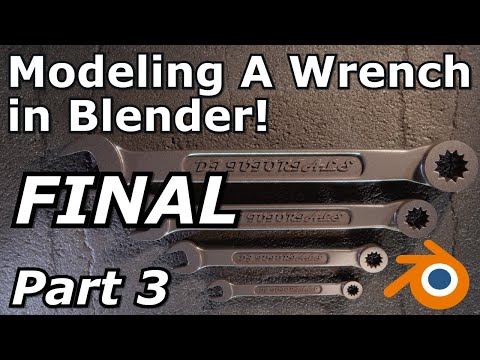
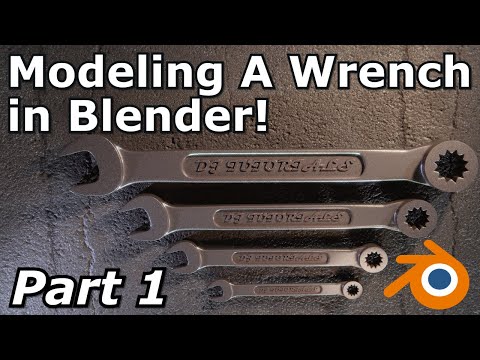
This is the second part of a tutorial covering hard surface modeling for beginners and intermediate artists on how to model a wrench. This covers the basics of hard surface modeling including creating and adjusting edge loops, edge control, adding bevels, merge operations, extruding geometry and many other techniques. Project file will be available to download for patrons. discord patreon twitter instagram Twitch Stream Jump to chapters: Adding Geometry 00:39 Adding the "Stamp" Section 01:47 Using Creases 02:36 Adding Edge Loops 02:53 Adding Bevels 05:26 Bridging Edge Loops 06:21 Stamp Section Part 2 07:12 Clarifying the Shape 08:48 Shading For Hard Surfaces 10:23 Sharpening Details 11:37 Bevel Modifier 15:12 Adding Text 17:30 #3dblender #blenderart #blendereevee #blendercommunity #blender28 #blenderanimation #blendercentral #cgi #blender3d #b3d
- 1175Просмотров
- 4 года назадОпубликованоdjtutorials
Hard Surface Modeling A Wrench In Blender | Part 2
Похожее видео






Популярное
Новини