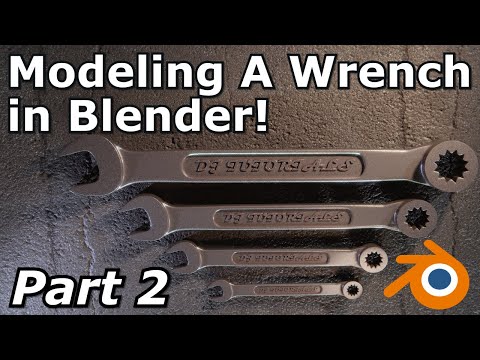
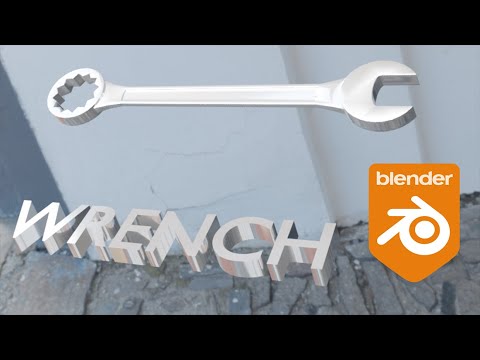
This is the first part of a tutorial covering hard surface modeling for beginners and intermediate artists on how to model a wrench. This covers the basics of hard surface modeling including creating and adjusting edge loops, edge control, adding bevels, merge operations, extruding geometry and many other techniques. Project file will be available to download for patrons. discord patreon twitter instagram Twitch Stream Jump to chapters: Project Settings and Expectations 00:36 References 02:10 Block In 04:22 Blocking In the "Head" 08:50 Blocking In the "Tail" 13:25 Connecting Geometry 16:50 Creating the "Scallop" 19:48 Resolving Normals 21:00 Merging Duplicated Verts 22:22 Extruding Geometry 25:48 #3dblender #blenderart #blendereevee #blendercommunity #blender28 #blenderanimation #blendercentral #cgi #blender3d #b3d
- 3287Просмотров
- 4 года назадОпубликованоdjtutorials
Hard Surface Modeling A Wrench In Blender | Part 1
Похожее видео




Популярное
Новини