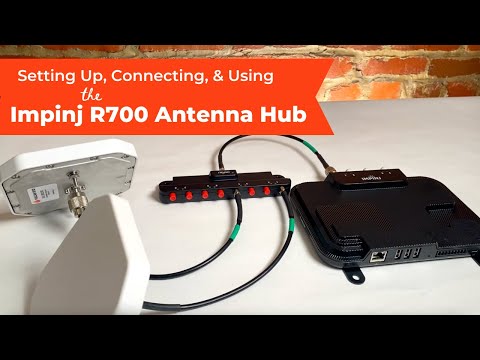
Welcome to this video all about Impinj's ItemTest Software that will walkthrough Downloading, Installing, and Using the demo software. In this video we will setup and use the Impinj R700 UHF RFID Reader, connect our Reader to Impinj's ItemTest Software, and walk through the functionality of the Inventory & Tag Memory Showcases. Impinj's ItemTest Software, versions 2.6 and above has a new, upgraded dashboard, with more functionality than ever before. Checkout the minimum system requirements below - Minimum System Requirements: ItemTest 2 requires, at a minimum, a Windows 10 machine with Microsoft .NET Framework or greater installed. ItemTest requires the machine have a minimum of 4GB of RAM to operate but will take advantage of as much memory as is available. Long running operations and/or operations involving 100s or 1000s of tags are likely memory intensive. For those operations 8GB or more of RAM is strongly recommended. Used in this Video: Impinj R700 RFID Antenna Antenna Cable Ethernet Cable ItemTest Software Any questions? Comment below or contact us at Want to learn more about RFID - checkout these links below: Our Blog - Weekly Posts on RFID: RFID eBooks: RFID Products:
- 6973Просмотров
- 4 года назадОпубликованоatlasRFIDstore
Impinjs ItemTest Software Walk Through | Inventory & Tag Memory Showcases
Похожее видео






Популярное
Новини