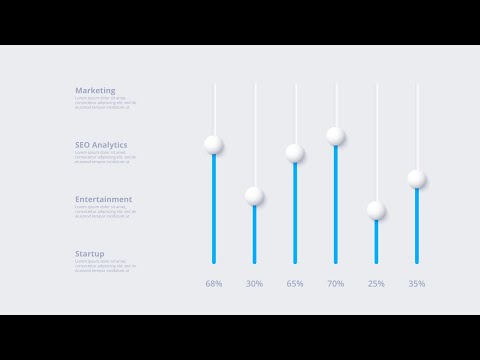
In this tutorial, you will learn how to create a responsive animated neumorphic infographic in PowerPoint. This infographic includes 3 customizable graphs that slide in and out with the push of a button. In part 1, you'll learn how to construct the neumorphic design elements and text in PowerPoint, which we'll animate in part 2. If you'd like to follow along in PowerPoint, you can download the slide here: Colors used in this video (HEX, then decimal): Main gray: E7E8ED = 15198445 Shadow gray: A1A5B9 = 10593721 Light shadow: FCFCFC = 16579836 Purple: 5827ED = 5777389 Pink: DC38FF = 14432511 Part 2 will be live on Thursday, April 15 and the link will be available here when it's posted. Special thanks to Yeap WaiKong for the pointer on how to change layer names and visibility! If you missed the 3-part series on building and animating a neumorphic slide, you can watch them here:
- 8427Просмотров
- 4 года назадОпубликованоAaron Lympany Design
How to Create a Responsive Animated Neumorphic PowerPoint Infographic - Part 1 of 2
Похожее видео







Популярное
Новини