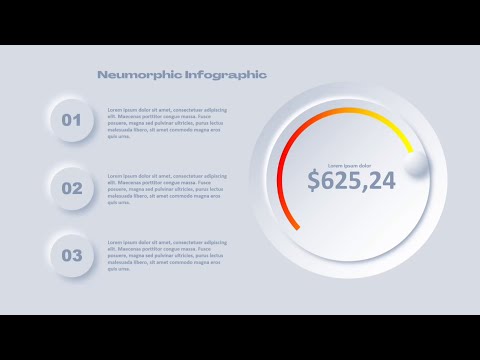
In this video, you'll learn how to create an animated neumorphic infographic slide in PowerPoint. This neumorphic infographic slide includes customizable text and a custom photo placeholder for a variety of applications. If you'd like more of these slides, you can find the light and dark versions for download through @starshipstreams24 at the links below! Download the free demo template: Download the full template (280+ slides and lifetime updates): Download the slide from the video here: Download the speech bubble photo used in the video here: Intro: 00:00 Background and neumorphic shapes: 0:36 Gradient pie shapes: 3:58 Speech bubble shapes: 5:44 Colorful squares: 6:30 Rounded arrow: 7:35 Text boxes: 8:06 Photo Placeholder and Master Slide editing: 10:28 Troubleshooting missing slide number: 14:18 Animations: 14:30 Photo/Slide Master Animation: 17:45 Final Test: 18:17
- 20369Просмотров
- 4 года назадОпубликованоAaron Lympany Design
How to Create an Animated Neumorphic PowerPoint Infographic with Custom Photo - Free Download Links
Похожее видео




Популярное
Новини