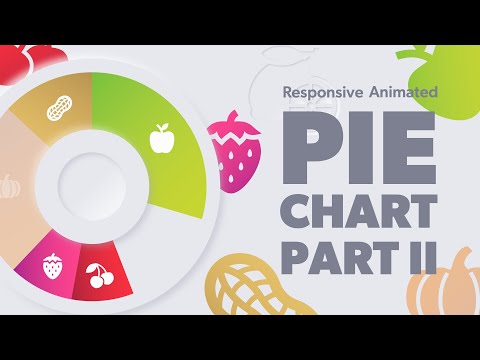
In this 2-part video series, we'll learn how to create a responsive animated pie chart in PowerPoint. And to make our example fun, we'll create a pie chart of favorite pie flavors! In this video, we'll build the base slide with all of our icons, the pie chart, and text. Watch part 2 here: Download the slides for free here: Colors used in this video: Main gray (light): E7E8ED = 15198445 Shadow gray (dark): A1A5B9 = 10593721 Light shadow: FCFCFC = 16579836 Text gray (darkest): 7C8090 = 8159376 Apple Gradient 76C13D = 7782717 C7D52F = 13096239 Key Lime Gradient 7BB002 = 8105986 549F1A = 5545754 Cherry Gradient FF3140 = 16724288 A9233C = 11084604 Strawberry Gradient FF448D = 16729229 A9278D = 11085709 Pumpkin Gradient F88D1C = 16289052 C56D36 = 12938550 Peanut Gradient E9C46C = 15320172 B6914F = 11964751 You can watch the full series on building responsive animated neumorphic slides here:
- 18547Просмотров
- 4 года назадОпубликованоAaron Lympany Design
How to Create a Responsive Animated Pie Chart in PowerPoint - Part 1 of 2
Похожее видео


Популярное
Новини