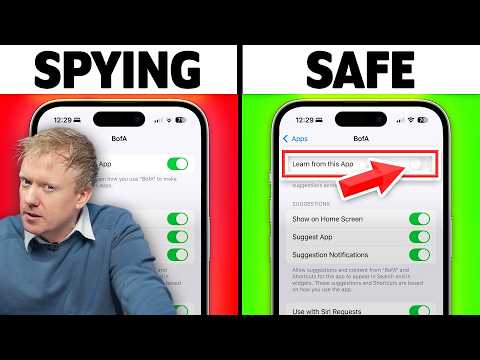
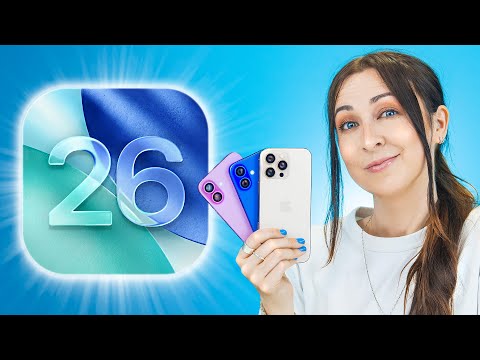
With iOS 26 and iPhone 17 on the horizon, all of Apple's fancy new visuals — aka "Liquid Glass" — are a double-edged sword. They look pretty, but they're going to slow down your iPhone — unless you optimize it first! That's why I made this video — so that your iPhone doesn’t feel old the moment iOS 26 drops. In this video, I’ll show you the exact settings you should change right now to speed up your iPhone, save battery life, and protect your privacy. Take your personal data back with Incogni! Use code PAYETTE at the link below and get 60% off an annual plan: Apple has packed iOS 26 with flashy new visual effects—but those “liquid glass” looks come at a cost: shorter battery life and slower performance. Whether your iPhone is 2 years old or almost brand new, these simple changes will keep it running fast. Table Of Contents 1. Background App Refresh [0:17] 2. Visual Effects Take Priority [1:04] 3. 10 Second Bonus Tip [2:00] 4. Reduce Transparency [3:36] 5. If You Do Notice A Difference [4:03] 6. App Store Settings [4:27] 7. Privacy and Speed Go Together [5:47] 8. The Truth About Tracking [6:55] 9. GPS Impacts Speed & Privacy, Too! [7:39] 10. Even Mail Can Slow Things Down! [8:53] 11. If All Else Fails... [9:31] 💬 Leave a comment if your iPhone feels faster after these tweaks! 🖨️ Free PDF finally ready! #ios26 #iphone17 #apple #iphone 👾 Join our NEW Discord: 👾 🎁 Join this channel to get access to perks: 📱 For awesome iPhone fixes and tips, check out our website, Payette Forward: 📱 Compare every cell phone, every plan, and every carrier on UpPhone:
- 451068Просмотров
- 3 месяца назадОпубликованоPayette Forward
⚠️ Don’t Update to iOS 26 Until You Do This
Похожее видео







Популярное
Новини