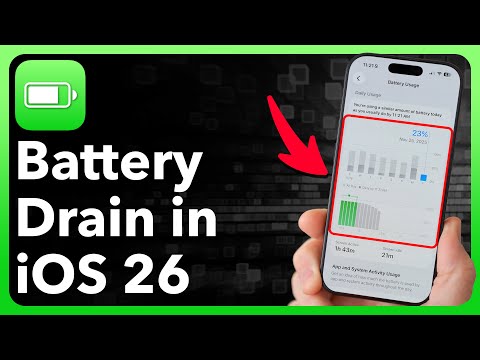
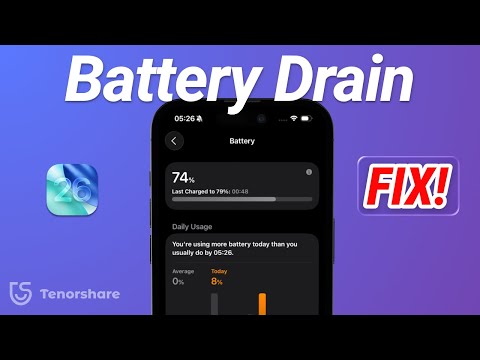
🔋iPhone battery draining too fast after updating to iOS 26? Download FoneTool Repair here👉 Many users have reported faster battery drain after installing iOS 26. If you notice your iPhone running out of power much quicker than before, don’t worry—this video shows you four effective ways to save battery and even roll back to a stable iOS version. ⏰ Timestamps: 0:00 Intro 0:20 Method 1: Adjust Battery Settings 0:55 Method 2: Turn Off Background App Refresh 1:25 Method 3: Adjust screen brightness 1:44 Method 4: Use FoneTool Repair ✅ Method 1: Optimize Battery Settings Go to Settings - Battery, turn on Low Power Mode, and check your Battery Health to understand your iPhone’s capacity. ✅ Method 2: Disable Background App Refresh Open Settings - General - Background App Refresh and switch it off for apps you don’t use often, or restrict it to Wi-Fi only. This reduces hidden background activity that drains power. ✅ Method 3: Adjust Screen Brightness Head to Settings - Display & Brightness. Lower the brightness manually or turn on Auto-Brightness to cut down on unnecessary energy use. ✅ Method 4: Use FoneTool Repair If battery issues persist, the problem may be with iOS itself. FoneTool Repair can fix 160+ iOS system problems, improve performance, and even help you downgrade iOS 26 to any earlier version safely without losing data. ✨ Why FoneTool Repair? Safely downgrades iOS without data loss Fixes iPhone system issues like lag, crashes, and boot loops User-friendly with simple steps, no tech skills required Compatible with the latest iPhone and iOS versions Fast and reliable repair process 💡 These methods can extend your iPhone’s battery life and restore smooth performance. Watch the full video for details, and don’t forget to like & subscribe for more iOS tips from FoneTool!
- 7101Просмотров
- 2 месяца назадОпубликованоFoneTool
🔋iPhone Battery Draining Fast After Update iOS 26? Heres How to Fix!
Похожее видео




Популярное
Новини