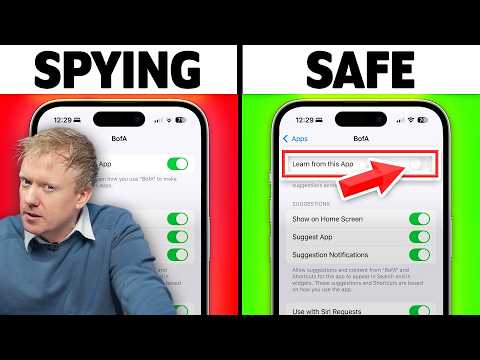
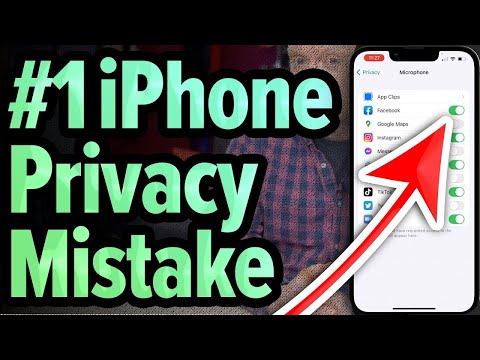
Apple says “Privacy. That’s iPhone.” Yet iOS 26 was released with default settings that quietly share more than you might expect. In this video, I'll walk you through the privacy settings you should turn off right away, and tell you why my new #1 most dangerous setting isn't "Always" anymore. Thanks to incogni for sponsoring this video! Turning these settings off protects you moving forward, but what about all the data that's been bought and sold for years? That's where incogni comes in — they make sending the data removal requests to data brokers super easy. Get 60% off an annual plan with code PAYETTE: We’ll also cover what to turn on for visibility and safety: enable App Privacy Report and Apple Intelligence Report to see what apps actually access, set Wired Accessories → Ask for New Accessories to guard against juice-jacking, and switch on Stolen Device Protection (consider “Everywhere”), and we'll go rapid fire through System Services settings. By the way, the quote in the thumbnail — "Everything is seen in China" — that's from an internal TikTok recording as reported by Buzzfeed and corroborated by the U.S. Energy & Commerce Committee report here: . It just shows how important a single switch in the iPhone Settings app can be! TOC 1. When Sharing Isn't Caring [0:44] 2. Always (Part 1) [1:48] 3. Your Precision Decision [2:29] 4. Always (Part) [4:21] 5. Rapid Fire System Services [4:38] 6. Significant Locations & Routes [7:07] 7. It's Good To Be Off Track [8:26] 8. Take Back Control of Your Data [8:47] 9. It's Easier Than Stealing A Rolodex [9:50] 10. Photos Means Videos Too... (and Audios) [10:30] 11. I Prefer Fastidiouslytics, Tyvm. [12:31] 12. Don't Be Fooled By The Apple [12:57] 13. Now I Tell You To Collect Data [13:26] 14. Juicejacking Isn't As Fun As It Sounds [14:05] 15. 60 Minutes Is Enough, Right? [14:25] 👾 Join our NEW Discord: 👾 🎁 Join this channel to get access to perks: 📱 For awesome iPhone fixes and tips, check out our website, Payette Forward: 📱 Compare every cell phone, every plan, and every carrier on UpPhone: 👋 Get Social With Payette Forward: On Facebook: On Twitter: On Instagram:
- 653837Просмотров
- 2 месяца назадОпубликованоPayette Forward
iOS 26 SCARY Privacy Settings To Turn Off Now!
Похожее видео








Популярное
Новини