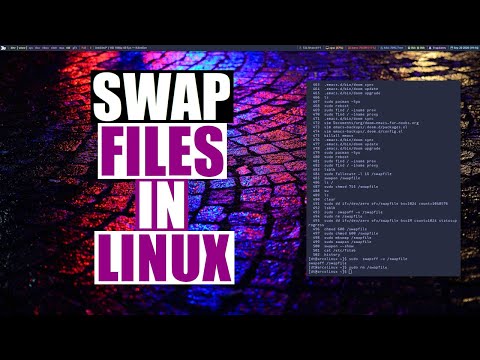
A Simple Step-By-Step Guide on Adding more space to your SWAP file on Linux Mint. --------------------------------------------------------------------------------------------------------------------------- sudo swapoff -a sudo fallocate -l 8G /swapfile sudo chmod 600 /swapfile sudo mkswap /swapfile sudo swapon /swapfile sudo swapon --show --------------------------------------------------------------------------------------------------------------------------- NOTE: change 8G to 4G or 16G G = NOTE: Linux will only use the SWAP if it runs out of RAM, Typically in Linux you want to set the swap to double your memory.
- 2908Просмотров
- 7 месяцев назадОпубликованоGenericTechSupport
QUICKTIP: How to Increase the SWAP File on Linux MINT EASY!
Похожее видео








Популярное
Новини