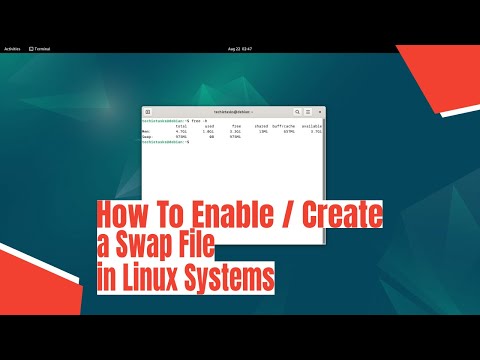
In this quick tutorial, I am going to create a swap file on my Linux desktop. I'm also going to show you how to remove a swap file. Below are the commands that I used in this video: ADDING SWAP FILE ► sudo dd if=/dev/zero of=/swapfile bs=1M count=1024 ► sudo chmod 600 /swapfile ► sudo mkswap /swapfile ► sudo swapon /swapfile ► swapon --show Edit /etc/fstab and add: ► /swapfile none swap defaults 0 0 REMOVING SWAP FILE ► sudo swapoff -v /swapfile ► sudo rm /swapfile Edit /etc/fstab and remove the entry for the swapfile. WANT TO SUPPORT THE CHANNEL? 💰 Patreon: 💳 Paypal: 🛍️ Amazon: 👕 Teespring: SOCIAL PLATFORMS: 🗨️ Mastodon: @distrotube 💬 IRC: irc://freenode #distrotube 👫 Reddit: 📽️ LBRY: $/invite/@DistroTube:2 DT ON THE WEB: 🕸️ Website: 🐿️ Gopherhole: gopher:// 📁 GitLab: 🔊 Audio Podcasts: FREE AND OPEN SOURCE SOFTWARE THAT I USE: 🌐 Brave Browser - 📽️ Open Broadcaster Software: 🎬 Kdenlive: 🎨 GIMP: 🎵 Audacity: 💻 VirtualBox: 🗒️ Doom Emacs: Your support is very much appreciated. Thanks, guys!
- 27327Просмотров
- 5 лет назадОпубликованоDistroTube
Adding And Removing Swap Files Is Easy In Linux
Похожее видео





Популярное
Новини