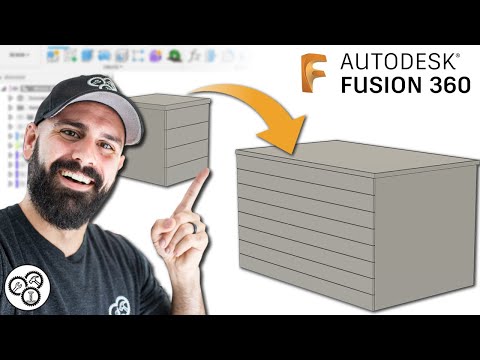
In this tutorial you will learn proper workflow for complex assemblies by modelling and assembling the siding and roof sheathing of a shed. If you’d like to see more tutorials on modelling and assembling the rest of this shed along with creating a BOM, drawings, and renders, please like this tutorial so that we know if there is enough interest in continuing this series. Hope you have a fun time with this tutorial. Link to first tutorial in this series: For the following, click here: - Social and Contact - Memberships - Discounts, Specials, and Freebies - Support Us - Business Partners, Sponsors, & Portfolio - Courses - Recommended Hardware (Including 3D SpaceMouse Pro) - Private Consultation, Instruction, & CAD/CAM work You will learn the following: 00:00 - Start 00:41 - Link to first tutorial in this series: 01:23 - Correct some things from the previous tutorials 02:55 - Correct the left wall 08:19 - Correct the rear wall 14:03 - Create our next assembly 23:52 - Add siding to the rear wall 25:06 - Add siding to the front wall 29:54 - Create the window cutouts 35:48 - Add material and appearances 37:56 - Model and assemble the roof #learnit #fusion360 #tutorial #assembly #assemble #shed #carpentry #wood #joints #advanced #intermediate #cad #design #subassemblies
- 12010Просмотров
- 1 год назадОпубликованоLearn It!
Autodesk Fusion 360 - Part 3/4 - Model and Assemble a Shed - Intermediate/Advanced (2024)
Похожее видео




Популярное
Новини