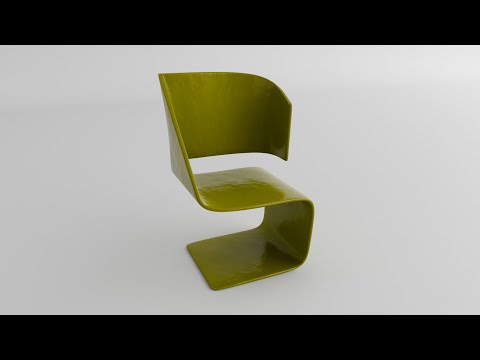
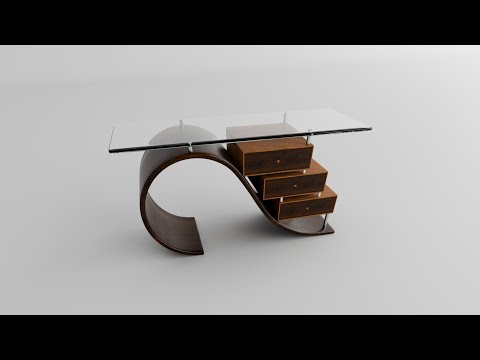
Learn to model home furniture in just 10 minutes in Blender Want to create stunning 3D furniture models quickly and easily? In this fast-paced tutorial, I’ll teach you how to model home furniture in Blender in just 10 minutes! Perfect for beginners, this guide covers essential modeling techniques to craft chairs, tables, or shelves with efficiency. We’ll start with simple shapes and use Blender’s powerful tools like modifiers, bevels, and subdivision surfaces to add realistic details without wasting time. By the end, you’ll have a fully modeled piece of furniture ready for texturing and rendering. Whether you're working on game assets, interior design, or just practicing your 3D skills, this tutorial will help you speed up your workflow. Hit like, subscribe, and leave a comment if you found this helpful! ⌨️ Shortcuts I Use: A – Select/Deselect All X – Delete Shift + A – Add Menu S – Scale (Press X/Y/Z to scale along one axis) R – Rotate (Press X/Y/Z to rotate along one axis) E – Extrude Tab – Toggle Edit/Object Mode Ctrl + A – Apply Transformations Ctrl + Z – Undo (Note: You had "Ctrl + A" listed twice; fixed here) Ctrl + Shift + Z – Redo Alt + Click – Select Edge Loop Ctrl + R – Loop Cut Ctrl + B – Bevel Shift + S – Snap Menu / Cursor Tools Ctrl + J – Join Objects H – Hide Selected Alt + H – Unhide All Numpad 1/3/7 – Front/Side/Top View (Added clarity) 🔌 Add-ons I Use: - EasyHDRI : - Blender kit : #Blender #3DModeling #FurnitureDesign #BlenderTutorial #FastModeling #3DArt
- 20Просмотров
- 5 дней назадОпубликованоAnkitimation
Learn to model home furniture in just 10 minutes in Blender
Похожее видео





Популярное
Новини