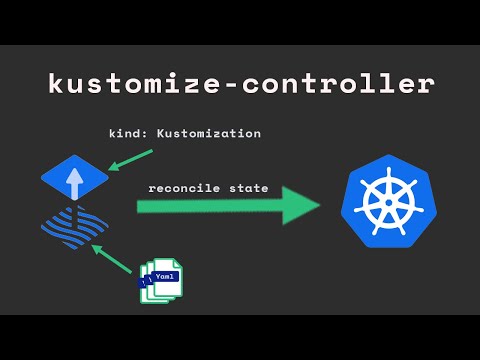
This is the first lesson in the course: Advanced K8S Management with Flux. Flux is all about managing the state of kubernetes in a declarative way by pushing yaml files to a git repository. In this lesson which is the first in our flux kubernetes course we will install flux on our k8s cluster. The full guide and step by step instructions are available at: We will install flux cli, open a github repository, create a github fine grained personal access token, and run the flux bootstrap command. To install the flux cli you can also follow the official documentation at: #install-the-flux-cli diagram the describes fluxcd components: The github repository for this entire course is located at: To create a github fine grained personal access token goto: Link to the official flux installation is here: The way we are going to organize our repository is the Monorepo approach that is described in the guide: “Ways of structuring your repositories” located here: #kubernetes #k8s #flux #academeez 0:00 recap flux 0:55 tldr 2:36 k8s cluster prerequisites 4:11 flux cli 5:22 flux cli commands review 9:40 flux check to verify cluster 10:15 flux needs a git repo 15:26 Create github repository 16:31 Github PAT - personal access token 22:17 flux bootstrap 23:43 How we will structure the repo 28:37 running flux bootstrap 32:20 Examine what flux pushed to our repo 39:40 Summary
- 9918Просмотров
- 1 год назадОпубликованоacademeez
Advanced K8S with FluxCD 1: Flux installation
Похожее видео




Популярное
Новини