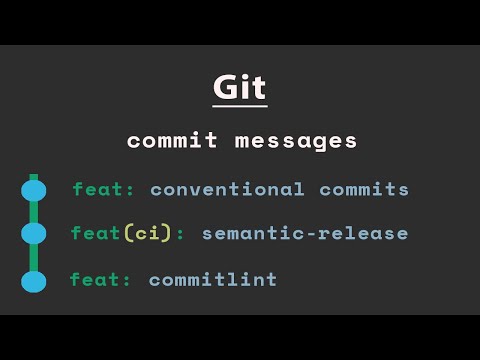
Keep you git history commits clean. I often notice that developers are publishing their PR with a commit mess. Commits should show the evolution of your software, they represent a logical group of progress on the way to solve a certain problem, and they should reflect a certain development plan you have. Using commands like: - git commit --ament - git reset - git stash - git rebase -i are giving you tools to keep your git history clean. The full article for this lesson is available here: We recommend to make your commit messages in a standard fashion. conventional commits are a good standard for commit messages: 0:00 intro 1:19 About academeez 1:40 Lesson plan 3:38 having a plan 7:12 When reality hits 9:16 git commit philosophy 16:48 why keep git history clean 20:18 git commit —amend 24:50 git reset 30:19 git rebase -i 43:20 squash the commits 48:54 summary
- 4575Просмотров
- 1 год назадОпубликованоacademeez
Git best practice tip: clean commit history
Похожее видео








Популярное
Новини