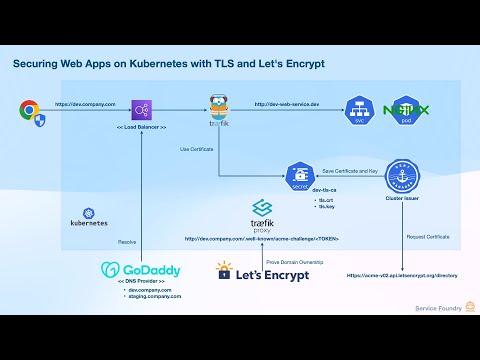
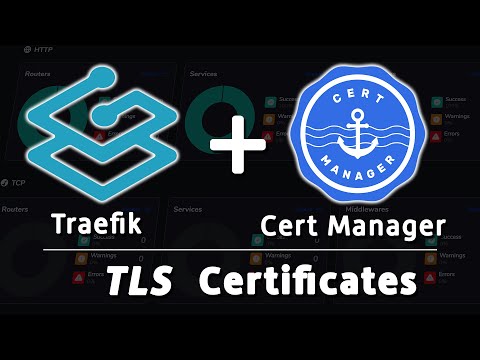
Check out Twingate and supercharge your security: In this video, I will show you how I manage HTTPS for applications on my new Raspberry Pi Kubernetes Cluster using Traefik and Cert-Manager. We'll cover installing Traefik in Kubernetes, using it to expose applications, and protecting them with trusted TLS certificates from Letsencrypt using Cert-Manager. This is my ultimate solution for providing a secure connection to any services deployed on Kubernetes. References - Traefik Tutorial Docker: - Kubernetes RPi5 Tutorial: - Twingate DevOps Video: ________________ 💜 Support me and become a Fan! → 💬 Join our Community! → 👉 Follow me everywhere → ________________ Read my Tech Documentation My Gear and Equipment ________________ Timestamps: 00:00 Introduction 02:30 What is the plan? 04:35 Install Traefik 07:41 Ingress and IngressRoute 13:20 Enable Dashboard 15:33 What about TLS? 17:22 Install Cert-Manager 19:47 Issuer and ClusterIssuer 23:51 Certificates 25:41 Add TLS to IngressRoute 27:10 Deploy Apps via Helm 30:59 Final thoughts ________________ Links can include affiliate links.
- 35867Просмотров
- 1 год назадОпубликованоChristian Lempa
Simple HTTPs for Kubernetes // Traefik + Cert-Manager
Похожее видео




Популярное
Новини