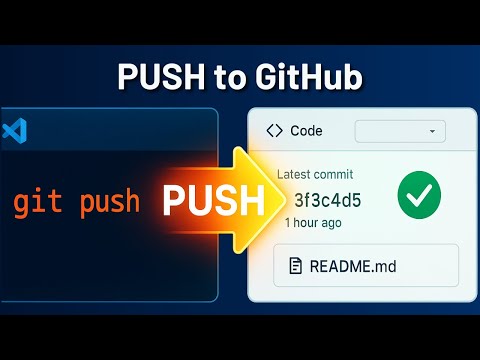
Master the Git workflow inside Visual Studio Code without ever touching the terminal. This video walks through how to use Git in VS Code, from initializing a repository to staging, committing, and pushing code changes directly to GitHub. Learn how to enable source control, track modified and untracked files, write commit messages, and sync your project with a remote GitHub repository. You’ll also see how to publish your branch, authenticate with GitHub, and configure settings like automatic fetch. With Visual Studio Code’s native Git integration, managing branches and collaborating on code becomes faster and easier. Whether you're starting a new project or maintaining an existing repo, this tutorial helps you understand how to use Git with VS Code to streamline version control and keep your development workflow efficient. If this helped, consider liking and subscribing. #vscode #vscodetips #vscodetutorial #git
- 477Просмотров
- 6 месяцев назадОпубликованоQuikTut
How to Use Git in VS Code (2025)
Похожее видео








Популярное
Новини