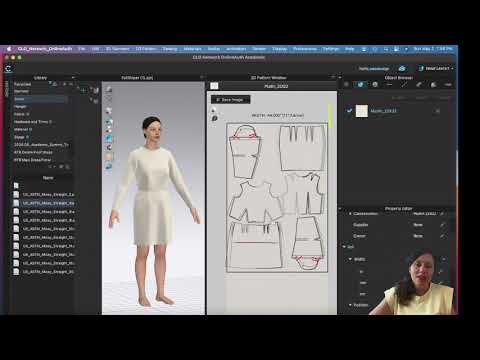
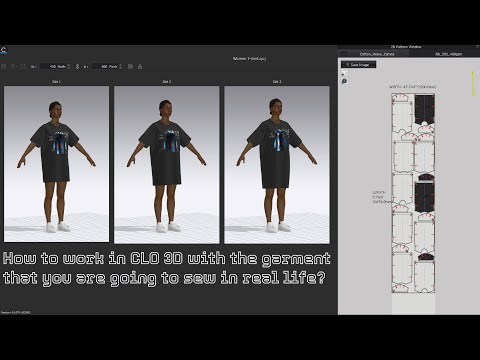
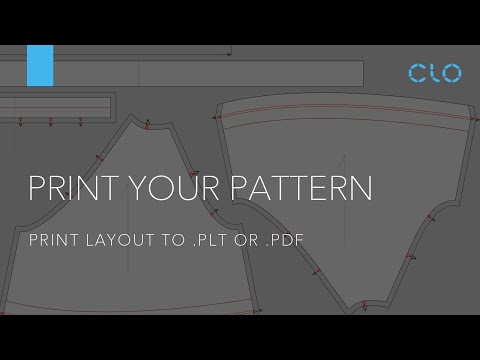
In this CLO3D video tutorial you will learn how to export and print actual size patterns from CLO3D. The first way is through the Export - Adobe (PDF) action. The next one is through the Print Layout function and the last through the Snapshot of the 2D window. 📝 📒SHOW NOTES: ⏰ Time Codes 0:00 Intro 📩 Contat Email for business only: BobbinTalk@ My personal vlog: 🎥 Gear I use: 🖥🖱📸🎙 Logitech M525 Wireless Mouse with a USB receiver: Laptop cooling pad with 5 fans: MacBook Pro 16", 1TB storage: LaCie portable rugged Mini 2TB External Hard Drive: Professional Condenser Microphone Neewer NW-700 & NW-35 Suspension Boom Scissor Arm Stand with XLR Cable and Mounting Clamp & NW-3 Pop Filter & 48V Phantom Power Supply with Adapter Kit: Bose speakers: Gooseneck phone holder: 📒🎒👠 My Books: 🤓 If you are interested in Accessory Design check out my Accessory Design book via this link. It is widely used as an Accessory Design textbook in various fashion design colleges throughout the world such as Parsons School of design, FIT, MIT, etc. 🗄 *FTC Legal Disclaimer - Some links found in the description of my videos may be affiliate links. That means I will make commission on sales you make through my link. This is at no extra cost to you to use my links/codes, it's just one more way to support me and my channel! :)
- 21600Просмотров
- 3 года назадОпубликованоBobbinTalk
How to Export Real Size Patterns from CLO3D
Похожее видео

Популярное
Новини