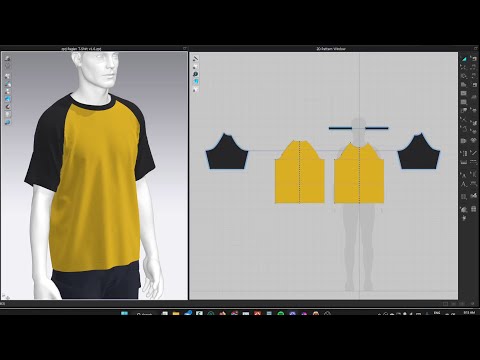
Draft a sleeve pattern from scratch to match any size armhole using this simple method. Learn all the tools in order to draft, edit and sew it properly in CLO. 00:00:08 Drafting The Pattern Pt. 1- Basic Pattern Shape 00:02:32 Drafting The Pattern Pt. 2- Shaping The Sleeve Cap 00:05:23 Refining The Sleeve- Notches, Ease and Balance *EDIT* Sorry everyone, I've realised some of the shortcuts I show in my first few videos are incorrect. They list the tools as being Command + Letter, when it should just be the letter. I've fixed this going forward!
- 21943Просмотров
- 3 года назадОпубликованоIDES Studio
How To Create A Sleeve Pattern in CLO 3D
Похожее видео

Популярное
Новини