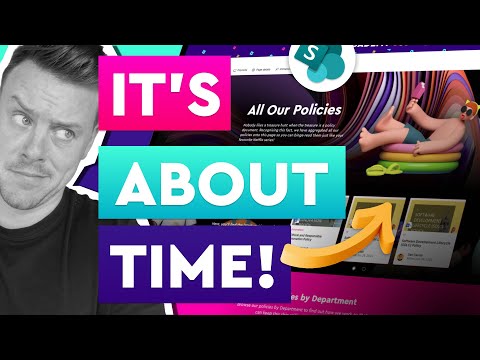
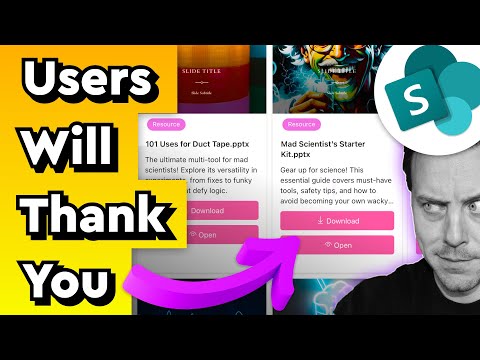
In this video, we are looking at how we can take the standard dynamic filtering user experience and turn it into a fantastic user experience for your SharePoint Online Intranet 🙌 👨💻 WHAT YOU'LL LEARN: • What Dynamic Filtering is • What's wrong with the user experience it provides • How to use it to create a top-class user experience • How to use ChatGPT to create custom JSON list view layouts (no coding experience required) 🎯 WHY WATCH The purpose of this video is to demonstrate how you can take a poor, out-of-the-box user experience and transform it into something truly amazing. I will walk you through the build of this dynamic filtering list solution and show you how I use ChatGPT to help me create JSON formatting code without the need to know a single thing about it! 😁 ----------------------- 🎓 MY COURSES: 🚀 Intranet Site Builders Master Class here: 🚀SharePoint Training & Education Platform Site: 🎉🎉🎉 Use coupon code FLASH30 for 30% off (Limited new site launch celebration!) 😁 Just enter at the checkout! ----------------------- 🎥 VIDEO SECTIONS 0:00 - Introduction 1:48 - What is dynamic filtering in a SharePoint Online list 4:46 - What's wrong with dynamic filtering 6:18 - What we are building in this video 11:09 - How to use ChatGPT to create a JSON filter list view 17:00 - How to use ChatGPT to create a card-based list view 20:26 - How to create the dynamic filtering page user experience
- 36027Просмотров
- 1 год назадОпубликованоAcademy 365
SharePoint List Dynamic Filtering DONE RIGHT thanks to Chat GPT
Похожее видео





Популярное
Новини