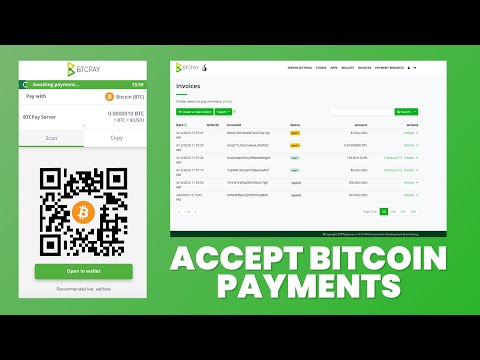
Welcome to Satoshi Radio! This is the place where you can find everything about Bitcoin. It's a place where all Bitcoin enthusiasts come together. Young or old, expert or beginner: everyone is welcome. Find the cheat sheet with all the commands here: In this episode, Bart shows you how to set up your own BTCPay Server on a VPS. Learn how to install and configure this powerful self-hosted payment processor to accept Bitcoin and Lightning payments without any third parties. 🗿 Follow Bart on Twitter: ⚖️ Want to know how many Satoshi you get for 1 Euro? Key points covered: - Why you should use BTCPay Server for accepting payments - Installing BTCPay Server on your VPS - Setting up your domain name and DNS - Configuring Bitcoin blockchain settings - Setting up Lightning payments with Strike API - Creating a swap file to prevent memory issues - Managing your store and receiving payments Timestamps: 00:00 - Introduction to BTCPay Server 02:00 - BTCPay Server Configurator 02:55 - Domain name setup 04:18 - Bitcoin blockchain configuration 05:30 - Lightning options explained 07:00 - Additional plugins 08:09 - Running the installation script 10:30 - Creating your BTCPay account and store 12:00 - Connecting your Bitcoin wallet 13:20 - Setting up Lightning with Strike API 16:30 - Testing payments 18:00 - Creating a swap file for stability 20:30 - Synchronization monitoring 21:30 - Conclusion
- 4422Просмотров
- 8 месяцев назадОпубликованоSatoshi Radio Global
BTCPay Server Tutorial: How to Accept Bitcoin Payments on Your Own Server
Похожее видео









Популярное
Новини