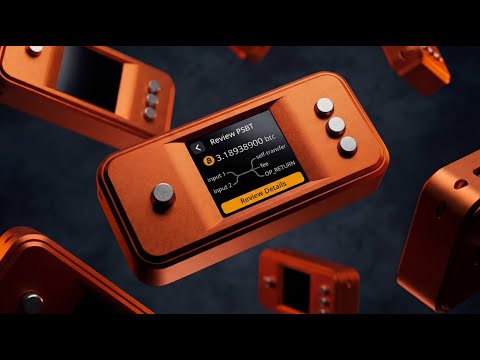
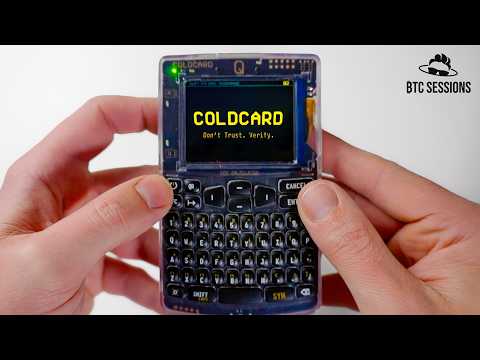
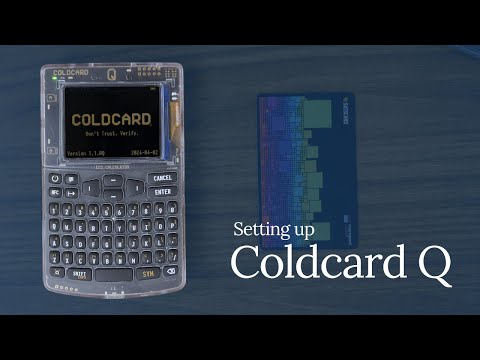
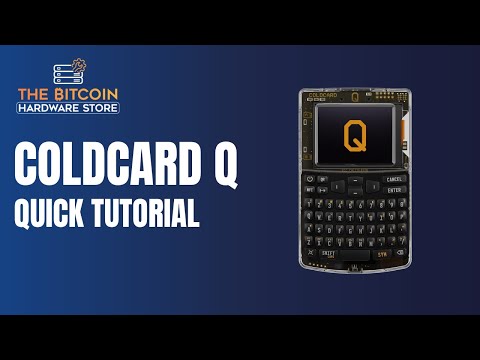
Welcome to Satoshi Radio! This is the place where you can find everything about Bitcoin. It's a place where all Bitcoin enthusiasts come together. Young or old, expert or beginner: everyone is welcome. In this episode, we take an in-depth look at the Coldcard Q by Coinkite, a powerful Bitcoin-only hardware wallet. Bart walks you through the entire setup process, from unboxing and PIN configuration to generating your seed phrase and adding an extra layer of security with a passphrase. Learn how to connect your Coldcard Q to popular software wallets like Sparrow Wallet (desktop) and Nunchuk Wallet (mobile), and master the art of signing a completely air-gapped transaction using QR codes. Perfect for anyone serious about maximizing their Bitcoin security and control! 🗿 Follow Bart on Twitter: 🔗 Products Mentioned: * Coldcard (Coinkite): * Sparrow Wallet: * Nunchuk Wallet: A big thank you to Bitcoin Brabant for lending this Coldcard Q for the tutorial! Check them out on: Timestamps: 00:00 - Intro: What is the Coldcard Q? 01:00 - First Impressions & Features (QWERTY, Screen, Battery) 01:55) - Unboxing & Critical Security Bag Check (02:50) - Coldcard PIN Setup (Anti-Phishing Words) (05:00) - Generating a New Seed Phrase (12 vs 24 words) (07:15) - Understanding & Creating a Passphrase (11:10) - Ad Break: Bitcoin Alpha Newsletter (11:40) - Sparrow Wallet: Setup & MicroSD Export/Import (15:00) - Verifying Addresses: Coldcard & Sparrow (16:30) - Nunchuck Wallet: Setup & NFC Export/Import (21:40) - Air-Gapped Transaction: Signing with QR Codes (PSBT) (25:00) - Summary: Pros, Cons & Final Thoughts Key features covered: - Detailed Coldcard Q unboxing and initial security verification. - Step-by-step PIN code setup with unique anti-phishing words. - Generating a secure 12-word seed phrase. - Implementing and understanding passphrases for enhanced Bitcoin security. - Formatting a MicroSD card on the Coldcard. - Connecting to Sparrow Wallet on desktop via MicroSD. - Connecting to Nunchuck Wallet on mobile via NFC. - Performing a fully air-gapped transaction using PSBT and QR codes. - Navigating the Coldcard Q menus and settings (NFC enabling, Address Explorer). - Comparing the Coldcard Q to the MK4 and other wallets. If you found this video helpful, please give it a thumbs up, subscribe to Satoshi Radio for more Bitcoin news, analysis, and tutorials, and let me know any questions you have about the Coldcard Q in the comments below! #ColdcardQ #Bitcoin #HardwareWallet #AirGapped #CryptoSecurity #Coinkite #SparrowWallet #NunchuckWallet #BitcoinTutorial #SatoshiRadio W
- 11320Просмотров
- 7 месяцев назадОпубликованоSatoshi Radio Global
Coldcard Q - Your Ultimate Bitcoin Vault? (Complete Guide: Seed, Passphrase, Sparrow, Nunchuk)
Похожее видео



Популярное
Новини