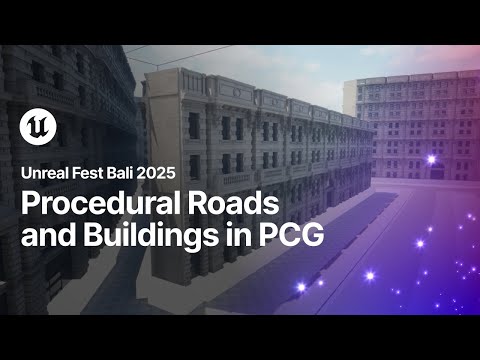
Build smarter, faster, and more creatively with this Intermediate PCG Building System tutorial in Unreal Engine 5.6! In this step-by-step guide, I’ll walk you through creating a fully procedural, multi-level building system that adapts to your parameters — perfect for games, world-building, and rapid environment design. Reference Link: 0:00 - Intro 0:10 - Learning Outcomes 2:00 - Building Base Generation 9:25 - Setting Up Floors 14:27 - Creating Walls 22:10 - Wall corners 30:47 - Floor Level Setup 35:50 - Using Spline For Floor Level Creation 38:33 - Floor on each level 39:30 - Change Base bottom wall 45:25 - Working on Roof trim part 48:00 - Roof Corners 57:42 - Reusable Spline Subgraph 1:08:07 - Roof top Adjust 1:17:05 - Mesh Change on top floor 1:21:29 - Creating Arrays for wall variation 1:26:20 - Creating Balcony 1:29:22 - Outro What you’ll learn in this tutorial: How to create procedural base floors and walls, with support for multiple wall types Techniques for clean corner handling and smooth edge transitions Using splines to generate multi-level buildings with flexible height control Building adaptive roofs that automatically fit your building’s shape Customizing top-floor walls and corner meshes for added variation Automatically placing balconies on chosen upper floors for more realism Whether you're improving your procedural tools or building a full-scale PCG workflow, this tutorial will help you level up your Unreal Engine skills. 👉 If you find this helpful, don’t forget to like, comment, and subscribe for more Unreal Engine & PCG tutorials! #unrealengine5 @dipjoyrouth
- 790Просмотров
- 2 недели назадОпубликованоDIPJOY UNREAL
Unreal Engine 5.6: Intermediate PCG Building System Tutorial | DIPJOY UNREAL
Похожее видео









Популярное
Новини