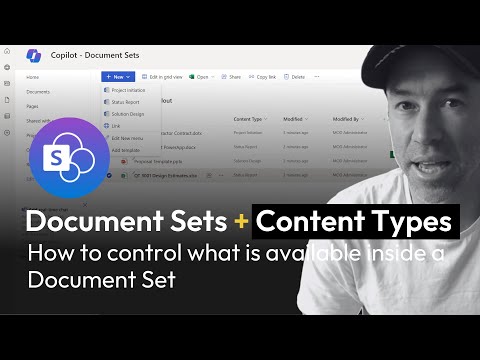
In this video, we are going to look at the many different ways people create document templates within their SharePoint Online sites!🔥 We explore the top 3 ways people normally create document templates, and then we look at 3 ways that SharePoint wants you to do it! 😁 Providing your users with document templates can really help drive consistency and efficiency with document management. No more re-using or re-purposing old content because it has that nice cover page and footer! From now on, you can just create and go! ✅ Video Chapters 0:00 - Introduction 0:38 - Level 1 - Upload a document called 'Template' 1:58 - Level 2 - Restrict edit permissions 3:08 - Level 3 - Make your document template visible 3:30 - Level 4 - Add a template to the 'New' menu 4:16 - Level 5 - Add a template to a site content type 6:52 - Level 6 - Add a template to a tenant content type ----------------------- 🎓 MY COURSES: 🚀 Intranet Site Builders Master Class here: 🚀SharePoint Training & Education Platform Site: 🎉🎉🎉 Use coupon code FLASH30 for 30% off (Limited new site launch celebration!) 😁 Just enter at the checkout! -----------------------
- 16300Просмотров
- 1 год назадОпубликованоAcademy 365
6 ways to create Document Templates in SharePoint Online
Похожее видео




Популярное
Новини