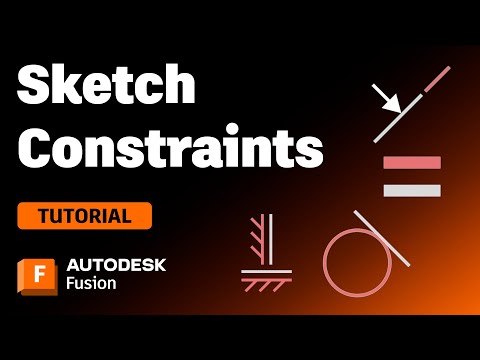
Learn how and when to fully constrain your sketches in Autodesk Fusion. Autodesk Instructor Jeenesh explains the difference between a fully, partially, or not at all constrained sketch and walks you through how this might impact your model within Autodesk Fusion. He explains how to tell if your sketch is fully constrained and gives some tips for figuring out what further work is required to constrain a sketch fully. If you keep encountering issues with your sketches when making edits, this video is for you! Want to understand more about each Sketch Constraint and how they work? Check out our video explaining each one here: 🚀 Join over 1.2 million professionals who use Autodesk Fusion to supercharge their design to manufacturing workflows. ►FREE TRIAL | ►SUBSCRIBE | ►GET STARTED | ►TRY AN EXTENSION | 💬 Ask the Autodesk Community for help with sheet metal modelling, designing, manufacturing, drawings or anything else in Autodesk Fusion ►FUSION FORUMS | ►ASK THE COMMUNITY | 📣 CONNECT with Fusion on social media: ►INSTAGRAM | ►TWITTER | ►LINKEDIN | 📚 Learn more about EduCAD, our Autodesk Learning Partner, here: Autodesk #MakeAnything CHAPTERS 00:00 Intro 00:19 The differences between open & constrained sketches 00:40 Why constraining sketches is important 01:24 Identifying when sketches are active in your sketch 01:51 Know what constraints a sketch requires to become fully constrained 02:13 Why is this rectangle not fully constrained? 03:10 Understanding when a sketch is fully constrained or not 03:34 Do I always need to fully constrain my sketches? 04:21 An example of how to fully constrain a sketch 06:21 Thanks for watching!
- 21996Просмотров
- 1 год назадОпубликованоAutodesk Fusion
Fully Constrained Sketches - How to Create them in Autodesk Fusion
Похожее видео

Популярное
Новини