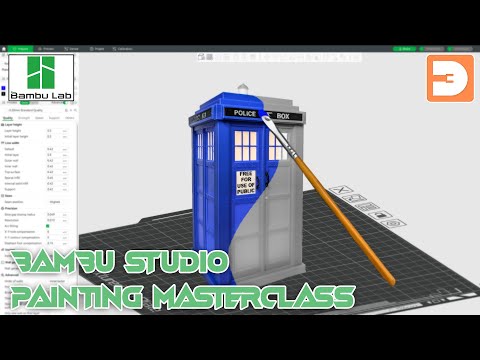
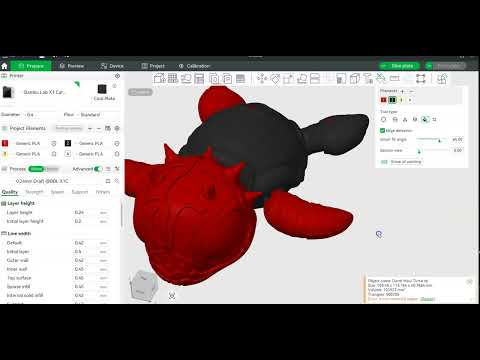
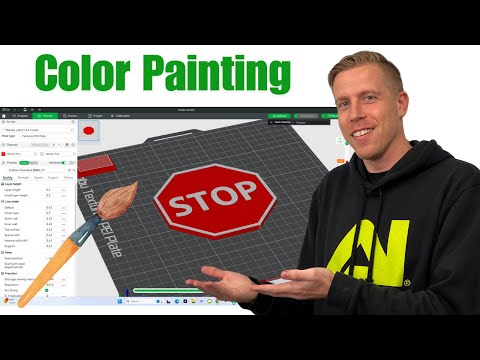
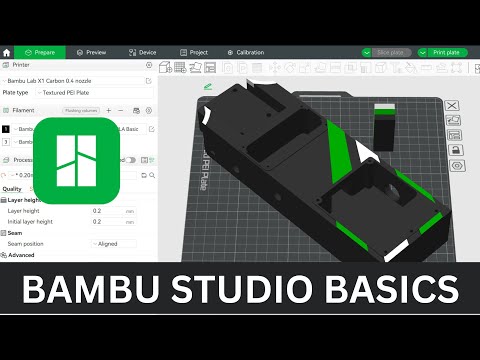
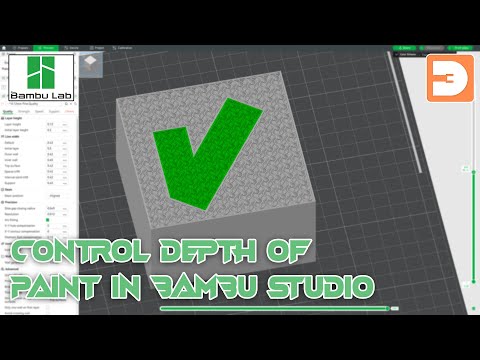
#3dprinting #3dmodeling #bambulab In this video, Bryan DeLuca from Maker Build It shows you how to use Bambu Lab Studio's powerful paint features for multicolor 3D printing. Learn how to plan your colors, use different painting tools, and achieve stunning results with your 3D models. What You'll Learn: How to set up and manage your color palette Techniques for using the flat paint tool Detailed painting with the sphere and triangle tools Effective use of the smart fill bucket tool Finalizing and slicing your model for perfect multicolor prints Timestamps: 0:21 - Introduction and Overview 0:34- Setting Up Your Color Palette 1:40 - Using the Flat Paint Tool 2:20 - Painting with the Sphere Tool 2:55 - Detailing with the Triangle Tool 3:20 - Smart Fill with the Bucket Tool 4:10 - Applying Colors to Specific Model Areas 5:38 - Final Touches and Slicing the Model 5:43 - Review and Print Tips Learn how to enhance your 3D prints with detailed and vibrant colors using the Bambu Studio paint feature. Perfect for beginners and advanced users alike, this tutorial covers everything you need to know to get started with multicolor 3D printing. For more in-depth guides and maker projects, visit our channel and explore our other videos. Happy printing and keep on making! 🔔 Make sure to like and follow for more DIY / Maker Projects and 3D Printing! 🛠️✨ For more:
- 2531Просмотров
- 1 год назадОпубликованоMakerBuildIt
How to Paint 3D Prints in Bambu Lab Studio
Похожее видео
Популярное
Новини