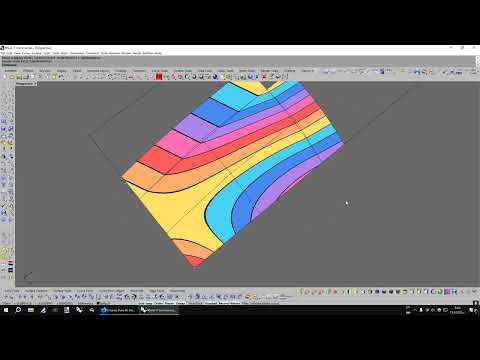
Level up your Rhino skills with the following steps: 1. Use a 3d mouse for smoother viewport navigation and highly reduced right hand fatigue: 2. Take advantage of the custom display modes to examine your 3d geometry with modern realistic shading for greater visual precision: You can definitely try to combine a display mode with active shadows while the 3d object is given another mode through the _SetObjectDisplayMode command. That way, you can increase the contrast and take advantage of combining the ambient occlusion shadows and simulated reflection. I explained that trick in the same topic, post number 181: 3. Vastly reduce time and increase your productivity with the help of thousands of custom macros, scripts and plug-ins: Bonus: Free Rhino 3d models here:
- 703Просмотров
- 1 месяц назадОпубликованоAutomotiveCNC
How to level up your Rhino skills in just 3 steps
Похожее видео



Популярное
Новини