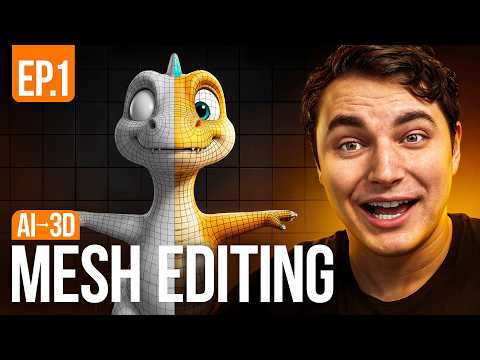
In this video, you’ll see how I turned a messy AI-generated 3D model into a clean, polished character using Blender’s sculpting tools. I’ll also show you which sculpt mode tools work best for different tasks. So if you’re curious about mixing AI with Blender for character creation, don’t miss this! Watch another relevant video: More Blender Videos: 00:00 Intro 00:17 01:09 Import to Blender 02:47 Fingers and shell 03:10 Eyemask modeling 03:34 Sculpting 07:03 Eyemask tails 08:17 Sword modeling 09:32 Sword handle 11:41 Vertex Painting __________________________________________ ArtStation: __________________________________________ music credit: Song: SUPXR - TRANSFER (Slowed) Music provided by NoCopyrightSounds Free Download/Stream: \_SL Watch: \_SLAT/youtube "Jazz Cantina" by Mazelo Nostra is licensed under CC BY-SA 3.0. Music by Ribhav Agrawal from Pixabay Song: waera - harinezumi Music provided by NoCopyrightSounds Free Download/Stream: Royalty Free Music from Track: Rustle of Leaves by AHOAMI Music by LFC Records from Pixabay #blendersculpting #3dcharacter #sculpting #blender #3dprinting #ai
- 28104Просмотров
- 7 месяцев назадОпубликованоAlixyz
How I Used Blender to Fix My AI Model
Похожее видео


Популярное
Новини