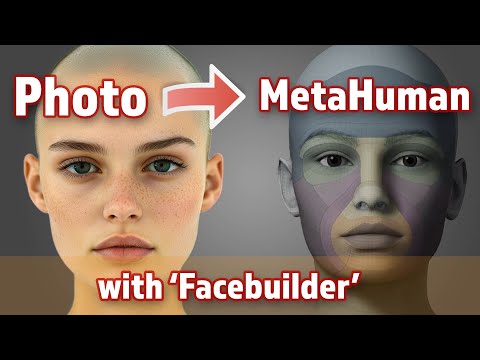
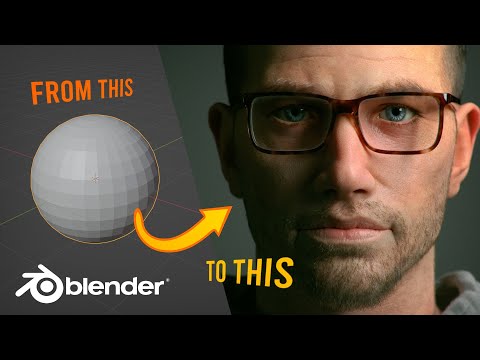
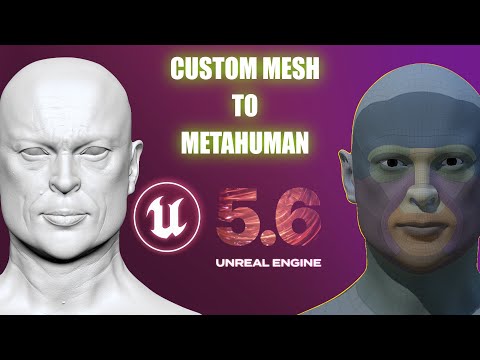
This videos shows how I made a custom MetaHuman from 3 photographs, using the FACE BUILDER add-on for Blender. - I opened Blender and installed the FACE BUILDER add on - Added three photos of my model - Exported textures and combined in Photoshop - Exported an FBX of the head - Made a custom MetaHuman using the METAHUMAN plugin in Unreal - Further adjustments with MetaHuman CREATOR website IMPORTANT: As I mentioned in the video, I ended up adjusting the eyes and jaw a little bit just because I liked it more, but I didn't fully try to match the original photograph. FACEBUILDER (BLENDER ADD-ON) FREE "METAHUMAN" PLUGIN (UNREAL PLUGIN) I also used SWITCHLIGHT to 'de-light' my photographs: ======================================== WHAT ABOUT THE HAIR? I could add hair in MetaHuman Creator if I wanted, or make my own custom hair using the process that I go through in this video: ======================================== EYEBROWS AND LASHES If I wanted to make further adjustments to the 3D eyebrows and lashes, I would export them from Unreal and edit them in Blender then transfer them back to Unreal. I'd use these plugins: EXPORT GROOM AS ALEMBIC (UNREAL PLUGIN) FREE EXPORT GROOM FOR UNREAL (BLENDER ADD ON) ========================================
- 3199Просмотров
- 9 месяцев назадОпубликованоToby VirtualFilmer
Custom beautiful MetaHuman from 3 photos using Face Builder
Похожее видео


Популярное
Новини