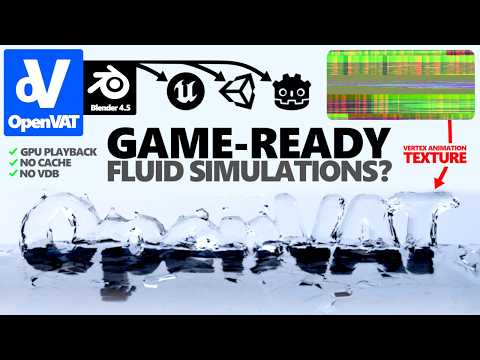
0:00 - Intro & Showcase 1:35 - What is a vertex animation texture 5:49 - Encoding approaches (proxy vs world offset) 9:41 - Use cases, proximity shader ideation 11:23 - Masking and blending example 13:02 - Do it yourself (getting openVAT) 13:25 - OpenVAT panel overview 15:49 - Creating source animation 17:23 - Analyzing baked VAT results 18:19 - Decoding the VAT in shader 20:38 - How encoding happens 25:39 - Outro, what’s next In this video, we break down what a Vertex Animation Texture (VAT) is and how they can be encoded — allowing you to turn any deforming animation (including Geometry Nodes, simulations, rigs, and modifiers) into a compact texture that can be decoded in real-time inside game engines like Unity, Unreal, Godot, and more. OpenVAT is the first free, open source VAT baking tool – verified on the official Blender Extensions platform. Download the Extension within the Blender Preferences, or online here: Blender Extensions: Get the Source Code and Documentation, Report Issues, or Reach Out through the Github, GitHub Source Code: In this video: What are Vertex Animation Textures? Explanation of encoding types. Use-Case examples of VATs A look into how OpenVAT encodes VATs inside Blender — (encode your first VAT)
- 5370Просмотров
- 7 месяцев назадОпубликованоsharpened | Luke Stilson
OpenVAT Overview - How Do Vertex Animation Textures Actually Work?
Похожее видео


Популярное
Новини