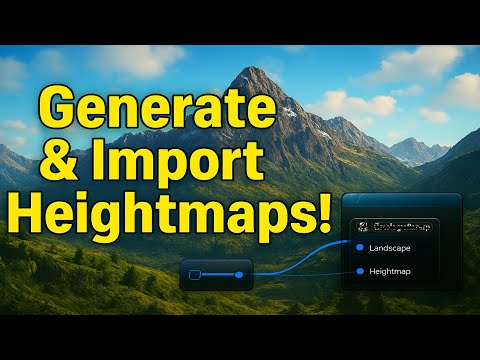
In this tutorial I show you 2 ways to bring your heightmaps from Gaea 2 into Unreal Engine 5. Firstly with the plugin and secondly by manually exporting and importing the heightmap. I also show you how to set your landscape to a specific size in KM. Discord Group: Chapters: 00:00 Intro. 00:36 Download Gaea 2 Plugin and move into UE folder. 01:43 Procedure 1 - Export Heightmap Using The Unreal Node/Plugin. 04:50 Procedure 1 - Activate Plugin in Unreal Engine and Import Heightmap. 08:14 Procedure 2 - Export Heightmap and then import into Unreal Engine: 09:55 Procedure 2 - Manually work out a specific size in KM for the landscape. 13:30 Procedure 2 - Maths Calculation for adjusting scale to specific KM size. 16:10 Final Notes on things to consider for Landscapes. Calculation for working out the size of the landscape: - Landscape Size Meters (divided by) Texture Resolution (multiply by) 100. - E.g. (5000 / 4096) * 100 = 122 (this is what the scale X and Y values should be set to). - 5000 = 5000 meters (5 km). - 4096 = Resolution of heightmap texture. - 100 = The scale multiplication. Unreal Engine Landscape Scale In Relation to a heightmap: - 1px = 1 meter - Total Resolution of 4033 (a standard Unreal Engine Size) = or 4033 meters. - Changing the landscape scale will increase or decrease the size of the landscape (assuming the default 'Overall Resolution' is set to the resolution of the height map). Tutorial on Gaea 2 to Unreal Engine using World Partition: Gaea 2 Documentation: Other Links: Website: Support: Support:
- 3165Просмотров
- 2 месяца назадОпубликованоMotion Forge CG
Gaea 2 to Unreal Engine - 2 Ways To Import heightmaps into Unreal Engine
Похожее видео





Популярное
Новини