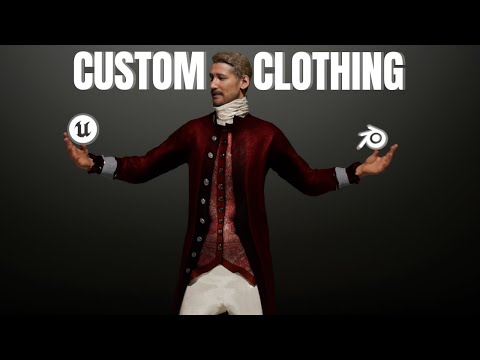
In this video, I’ll walk you through how to connect Marvelous Designer to Unreal Engine 5.6 using LiveSync. I’ll show you how to set up the connection, sync your cloth asset in real time, and get everything running smoothly inside UE5.6. We’ll go over some tips for importing your garments cleanly, adjusting simulation settings, and avoiding common issues that can slow you down. Whether you're working on cinematic shots or just trying to speed up your character pipeline, this setup can really streamline the way you bring your Marvelous Designer clothes into Unreal. 🔄 LiveSync setup: Easily connect Marvelous Designer and UE5.6 🧥 Workflow demo: Sync cloth simulation in real time ⚙️ Best practices: Optimize your asset import, cloth presets, and simulation settings 🕹️ Troubleshooting tips: Avoid common hiccups Mastering LiveSync speeds up your pipeline, lets you iterate faster on cloth design, and makes Unreal cinematic work so much more efficient. TIMESTAMPS 00:00 - Intro 00:20 - Creating Metahuman Character 01:52 - Setting up LiveSync 03:12 - Using Livesync 04:54 - Creating shirt in MD 06:19 - Sending shirt to UE 07:09 - Creating skeletal mesh for shirt 08:04 - Adding shirt to Metahuman Blueprint 09:10 - Creating pants as well I’m a 3D artist specializing in real-time workflows, Metahumans, and cinematic asset creation. I help developers and studios streamline cloth and character workflows — reach out if you’re open to collabs or freelance! #MarvelousDesigner #UnrealEngine5 #LiveSync #ClothSimulation #UE5Tutorial
- 21212Просмотров
- 5 месяцев назадОпубликованоJoey Lombardi
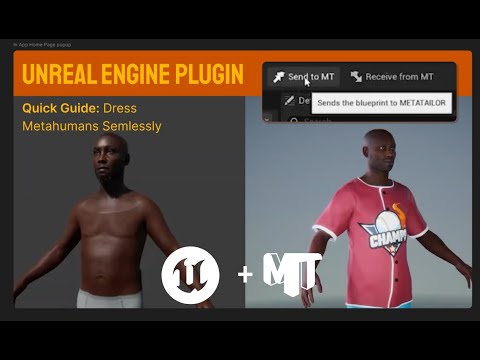
Creating Clothes for Metahumans in 5.6 beginner | Marvelous Designer + Unreal Engine
Похожее видео






Популярное
Новини