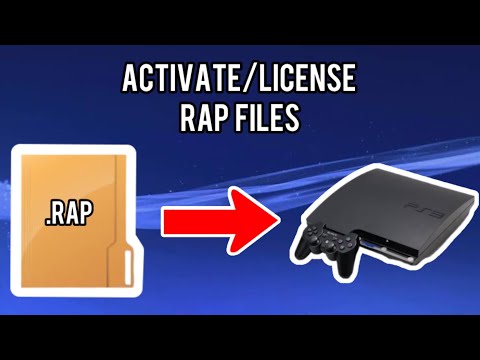
Link to download Apollo Save Tool: How to install this on the ps3 hen enabled Playstation 3 system and use it: Step 1: Download the .pkg file on a PC, plug in a usb stick and copy this file into a new folder called /packages Step 2: plug the usb stick into the ps3's right (inner) usb port Step 3: open package manager on the ps3 hen enabled playstation 3 system and install the same homebrew app on the ps3 Step 4: Open the 'Apollo save tool' app from the games list. Go into user tools and then into the Activate Ps3 option Now the pkg games should work. If it throws up and error saying it has reached limit and needs the updated time, just enable wifi and update the time via settings section NOTE: this assumes that you have installed a package version of the game which have file extensions as .pkg. This guide also assumes that you have the associated 'license file' (.rap) file in the usb stick's /exdata folder or in the internal hdd storage in the same /exdata folder. Otherwise it won't work Let me know in the comments if you have any difficulties using this tutorial! Thanks for Watching! Join the discussion here: ✳️ Telegram Channel ✳️ Join our Discord Group: 🍻 Go Follow Me On Instagram: 🟥 Youtube Channels : @VMGChannel AND @varahamihirgupta
- 8621Просмотров
- 2 месяца назадОпубликованоVMG Channel
(FIX) PKG Games ERROR "Renew license on PlayStation Store" Playstation 3 HEN / CFW
Похожее видео










Популярное
Новини