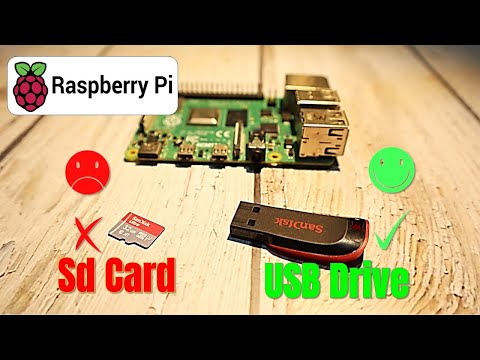
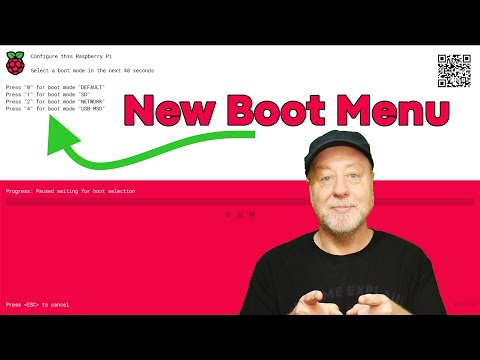
Want to learn how to boot the Raspberry Pi 5 from USB? Need to use the Raspberry Pi bootloader change boot priority using NVMe/SSD? I show you how to flash the Raspberry Pi's microSD card to boot Raspbian OS using USB boot for the Raspberry Pi 4 and Raspberry Pi 5. I also show you how to enable USB boot mode from the config file for booting from USB options on older Raspberry Pi models like Raspberry Pi 3. === Commands Used === * sudo apt-get update (Update Raspberry Pi package list) * sudo apt-get upgrade (Upgrade outdated Raspberry Pi installed packages) * echo program_usb_boot_mode=1 | sudo tee -a /boot/ (Enable USB Boot Mode by updating program_usb_boot_mode to 1) * sudo reboot (Restart the Raspberry Pi) * vcgencmd otp_dump | grep 17 (Returns '17:3020000a' if USB boot mode is enabled) * sudo shutdown (Turn off the Raspberry Pi) === Suggested Videos === * Install/Flash Raspbian OS: #raspberrypi #raspberrypi5 #raspberrypiprojects #raspberrypi4
- 17637Просмотров
- 1 год назадОпубликованоArcade Spinner
Raspberry Pi: Boot From USB
Похожее видео





Популярное
Новини