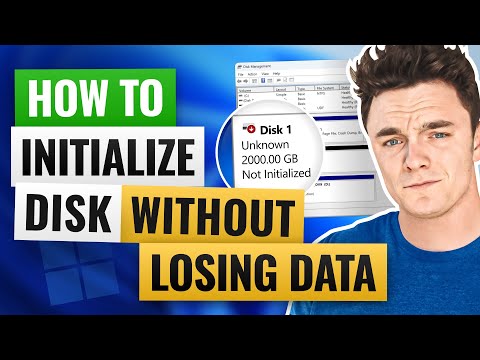
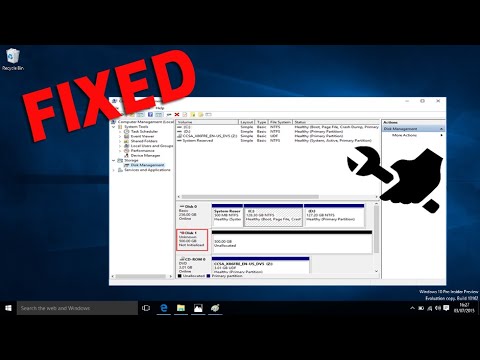
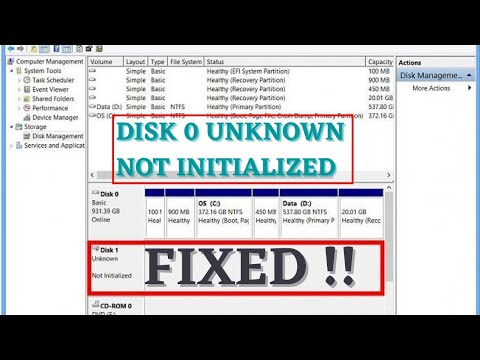
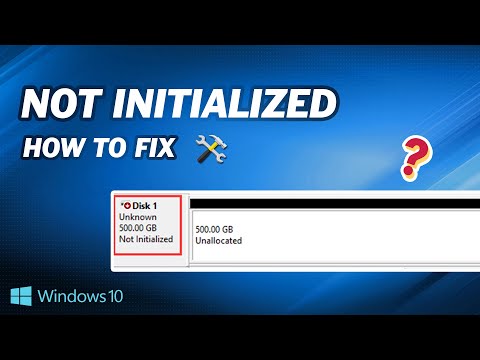
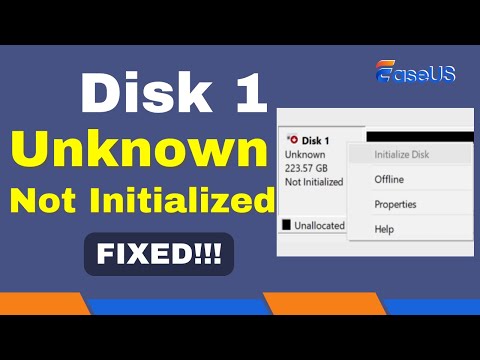
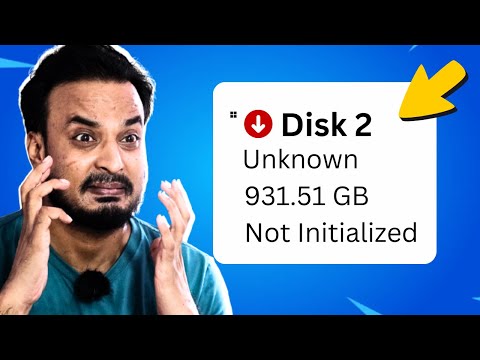
Today, I'm going to show you how to fix the annoying "Disk 1 unknown not initialized" error in three methods and I'll show you how to Recover Data from Not Initialized Drive: 📌Timestamps: 00:00 Intro Method 1: Update Disk Driver Method 2: Use CHKDSK Command To Check disk Method 3: Force Hard Drive to Initialized with DISKPART Command Bonus: Recover Data from Not Initialized Drive with 4DDiG Data Recovery #howtofixdisk1unknownnotinitialized #disk1unkown #4ddig 📎Related Article: How to Fix Disk 1 Unknown Not Initialized in Windows 11/10/8 🔎Related Guide: 🎥Related Video: [DISK NOT INITIALIZED] How to Fix “Disk 1 Unknown, Not Initialized” without Losing Data? 5 Ways 🔍 Common Causes: Corrupted MBR/GPT partition table Outdated/corrupted disk drivers Accidental deletion or improper formatting 🔧 3 Fixes for "Disk 1 Unknown" Error: 1️⃣ Update Disk Driver: Open Device Manager → Expand Disk Drives → Right-click your drive → Update Driver → Automatic search. 2️⃣ Repair with CHKDSK Command: Run Command Prompt as Admin → Type chkdsk F: /r /f (replace F with your drive letter) → Fixes bad sectors and file system errors. 3️⃣ Initialize Disk via DISKPART: Open Command Prompt → Type diskpart → list disk → select disk 1 → clean → convert gpt → Create & format partition. 💡 Bonus: Recover Lost Data with 4DDiG Data Recovery Accidentally formatted your drive? Use Tenorshare 4DDiG (link below 🔗) to restore files from uninitialized disks: 1️⃣ Scan Drive → 2️⃣ Preview & Select Files → 3️⃣ Recover & Save (Supports 1000+ file types!). -------------------------------------------- Follow Us ---------------------------------------- Facebook: Twitter: Quora Space: Pinterest: Instagram: Subscribe to our YouTube channel and there are more tech tips and tricks for you.
- 89445Просмотров
- 1 год назадОпубликованоTenorshare 4DDiG Data Recovery
Fixed: Disk 1 Unknown Not Initialized in Windows 11/10/8/7 | Hard Disk Unknown
Похожее видео



Популярное
Новини