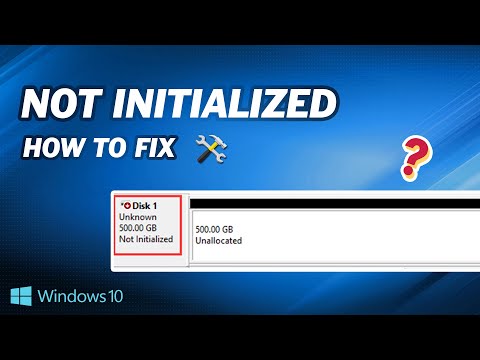
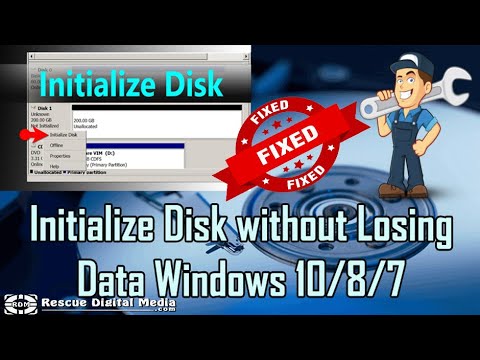
BEST FIX “Disk 1 or Disk 0 Unknown, Not Initialized” HINDI While plugging in any SSD, HDD, or USB drive you may see this error either on your screen or in the disk management. Try these most powerful solutions to fix the problem. Timestamps 00:00 - About the Problem 01:02 - Try different USB Port 01:24 - Initialize DISK 02:04 - Run CMD Commands to fix Disk unknown 03:45 - Clean Drive 06:05 - Use Third-Party Tool CMD Commands used in the video chkdsk f: /r /f DISM /Online /Image-Cleanup /RestoreHealth SFC /Scannow dispart list disk select disk clean convert gpt create partition primary format qucik fs=ntfs assign Minitool Partition Wizard 👉Social Media Handles ▬▬▬▬▬▬▬▬▬▬▬▬▬▬▬▬▬▬▬▬▬▬▬▬▬▬▬▬▬▬▬▬ Follow us on: ► Instagram - ►Twitter - ►Don't forget to subscribe to my channel. By the way, it's completely FREE! 🆓🆓🆓🆓🆓🆓🆓🆓🆓🆓🆓🆓 ☑ Watched the video! ☐ Liked? ☐ Subscribed? ▬▬▬▬▬▬▬▬▬▬▬▬▬ Tags Used How do I fix disk not initialized? How to initialize disk 1? Why disk 1 is not initialized? What is disk unknown not initialised? Disk 1 unknown not initialized 0 bytes Disk 1 unknown not initialized fix windows 11 Disk 1 unknown not initialized fix windows 10 disk unknown not initialized no size disk 1 unknown not initialized the device is not ready disk 1 unknown not initialized reddit disk not initialized fatal hardware error disk 1 unknown not initialized data error cyclic redundancy check Note: This video has followed all the YouTube community guideline rules. The purpose of this video is to help everyone with my knowledge and experience. I totally do not support any type of illegal acts or videos. The videos are completely for legal purposes. #diskpartition #windows11 #usb
- 197800Просмотров
- 2 года назадОпубликованоTechno Uplift
BEST FIX “Disk 1 or Disk 0 Unknown, Not Initialized” HINDI
Похожее видео







Популярное
Новини