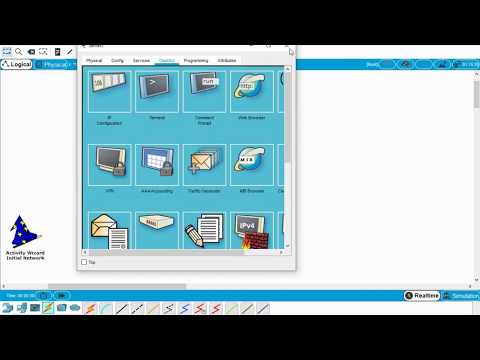
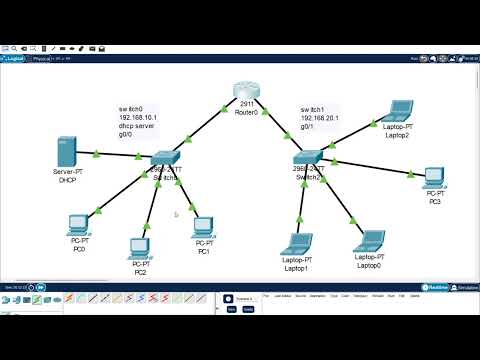
This tutorial uses Cisco Packet Tracer (April 2020) and walks you through using the Activity Wizard's variable manager to create unique Packet Tracer assignments for each user. Sorry for the length of the video, there's a lot to cover. Things needed to do after this video: 1. Use the Answer Network as the Initial Network 2. Clean up the Initial Network 3. Uncheck the Initial Network's "Initial Network Setup" because its copied the answers. 4. Lots of checking and doublechecking NOTE: You will be creating a LOT of variables to keep track of. TCP IP Protocol Stack - A Whimsical ride down Cisco Packet Tracer - Activity Wizard Part 1: Basic Assessment Tutorial is located at Cisco Packet Tracer Multiuser Tutorial Cisco Packet Tracer - Creating Easter Eggs in Assignments Cisco Packet Tracer - Creating DSL and Cable Service Providers in the Cloud Cisco Packet Tracer - Connecting to Real World Networks using Real HTTP server Cisco Packet Tracer - Connecting to external networks using Real Websockets Cisco Packet Tracer - Listening to Bluetooth Music Cisco Packet Tracer - Introduction to the Network Controller
- 7937Просмотров
- 5 лет назадОпубликованоEugene Blanchard
Cisco Packet Tracer - Activity Wizard Part 2: Using Variables Tutorial
Похожее видео






Популярное
Новини