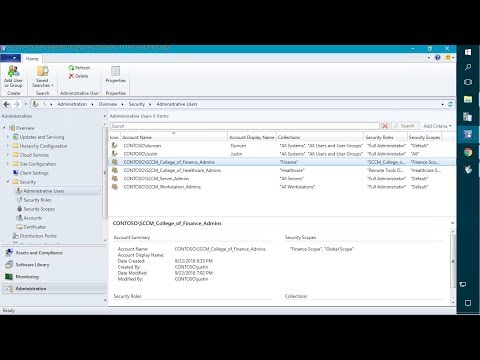
This video will look at how Hardware Inventory works in Microsoft Configuration Manager. Specifically, we will take a deep dive into how the Hardware Inventory data flows from the Client to the Site Server in Microsoft Configuration Manager. Introduction - (0:00) How to Win Patch My PC Swag - (0:25) Introduction to Hardware Inventory - (1:23) What does Hardware Inventory Look Like - (2:32) Taking a Look at Hardware Inventory in Client Settings - (3:42) Calling Out that Verbose Logging is Enabled - (7:27) Stopping the SMS_INVENTORY_DATA_LOADER Component and Reviewing - (8:18) Stopping the SMS_EXECUTIVE service - (10:48) Overview of - (11:36) Viewing the Data Collected through Hardware Inventory on the Client Side after running a Delta Sync - (12:05) Viewing the Data Collected through Hardware Inventory on the Site Server after running a Delta Sync - (17:59) Overview of Next Steps - (25:57) Hardware Inventory Delta Sync vs. Full Sync - (27:54) Viewing the Data Collected through Hardware Inventory on the Server Side after Running a Full Sync – (28:51) Wrap-Up - (34:43) Resources: Hardware inventory - Configuration Manager | Microsoft Learn - file reference - Configuration Manager | Microsoft Learn - #BKMK_InventoryLog file reference - Configuration Manager | Microsoft Learn - #BKMK_MPLog WMI Explorer - Hardware inventory views - Configuration Manager | Microsoft Learn - Deep Dive into How the Site Server Works in Configuration Manager (SCCM) - #ConfigMgr #SCCM #MEMCM
- 12057Просмотров
- 2 года назадОпубликованоPatch My PC
Deep Dive on How Hardware Inventory Works in Microsoft Configuration Manager
Похожее видео






Популярное
Новини