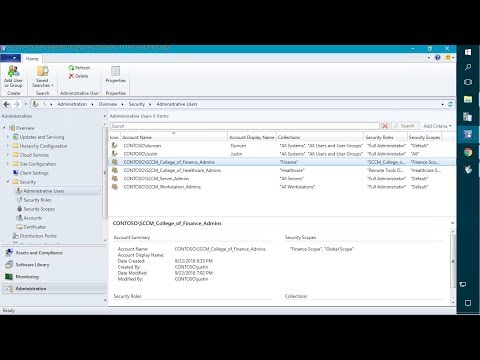
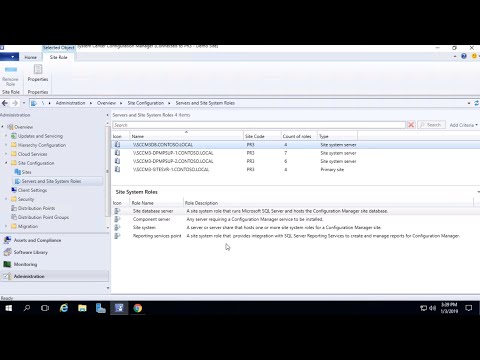
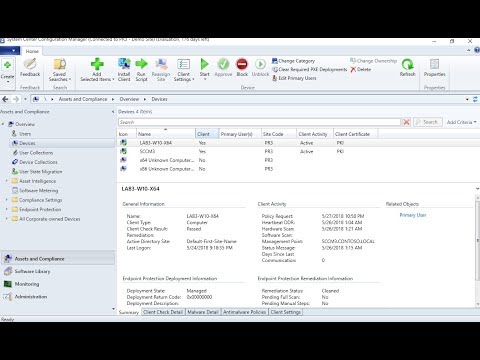
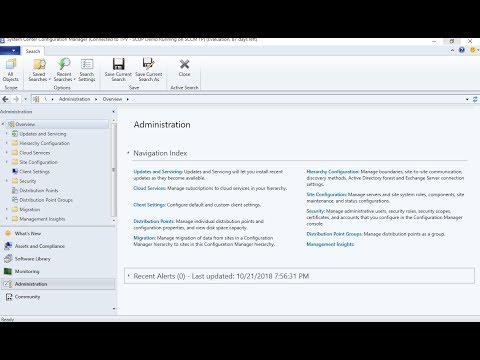
Overview In this step-by-step guide, we will walk through the process of installing and configuring a Microsoft SCCM site to use Internet-Based Client Management. Blog post 👉 Topics in Video Introduction – (0:00) Reviewing Internet-Based Client Management Prerequisites – (0:25) Requesting the IIS Certificate on the Internet-Facing Site System – (8:28) Changing WSUS to require SSL – (13:26) Installing the Software Update Point – (20:03) Installing the Management Point and Distribution Point – (27:36) Verify Client Gets New IBCM MP – (33:39) Verify Content Gets Distributed To IBCM DP – (35:19) Checking the MPLIST and MPCERT on the Internet-Facing Management Point – (36:00) Client Testing on the Internet – (39:05) Review , , and - (42:09) Digging into what is happening on the backend - (44:37) Verifying things are working over the internet - (45:50) Wrap-up - (47:50) Documentation for Topics in this Guide: Plan for Internet-based client management in System Center Configuration Manager – Features that Are Not Supported on the Internet – Considerations for client communications from the Internet or untrusted forest – #considerations-for-client-communications-from-the-internet-or-untrusted-forest Prerequisites for Internet-Based Client Management (IBCM) in Configuration Manager – How To Configure Microsoft SCCM to Use HTTPS/PKI – How to Publish the CRL on a Separate Web Server – Common HTTPS errors in Configuration Manager – Ports Required for a Site System in DMZ in Configuration Manager – IIS Error Client Certificate Revoked if IIS can’t access the Clients CRL Distribution Point – #SCCM #ConfigMgr #IBCM
- 51595Просмотров
- 7 лет назадОпубликованоPatch My PC
Setup Internet-Based Client Management (IBCM) in Microsoft SCCM to Manage Internet Clients
Похожее видео







Популярное
Новини