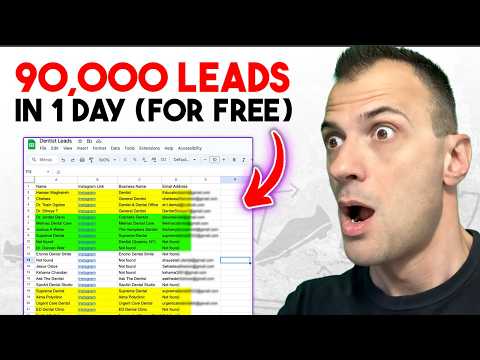
This tutorial shows how to scrape leads with AI from Google Maps. This process involves a free Chrome extension, ChatGPT, and Perplexity. 🎁 Get my Free AI Marketing Guide - 🚀 Join my AI Community - 🤖 More Helpful AI Tutorials - Video References: - Instant Data Scraper Chrome Extension: - ChatGPT Agent Mode: - Perplexity: - Spreadsheet Example from Video: Prompt Examples in Video: - ChatGPT or Perplexity Prompt: "Based on this spreadsheet data I've uploaded, I need you to research each company and find a contact email for each company. You will provide the contact emails in a table format for each company and then after that I need a concise email template for cold outreach that I can plug and play with. Do you understand?" - Cold Email Template Prompt: "Create a personalized cold email template for each one of these companies to pitch my high ticket lead generation services for my marketing agency. Use as the signature and make sure the copy sounds exactly like me. Here are the leads:" #aileadgeneration #aimarketing #aitutorial #aihacks Time Stamps: 0:00 Intro 0:50 What is This AI Lead Scraping Hack? 2:08 Instant Data Scraper Chrome Extension 4:17 Find Contact Emails with ChatGPT Agent Mode 5:22 Alternative AI Research Method With Perplexity 6:18 Comparing Results: Perplexity vs ChatGPT Agent 7:26 Creating Cold Email Templates 9:28 Final Thoughts Affiliate Disclosure: Some links in the description/pinned comments are sponsored links. If you decide to purchase a paid plan with an AI tool, we may receive a commission at no extra cost to you. This helps support my channel. Thank you!
- 754Просмотров
- 1 месяц назадОпубликованоRyan Doser
How to Scrape Leads from Google Maps With AI (Free Extension)
Похожее видео










Популярное
Новини