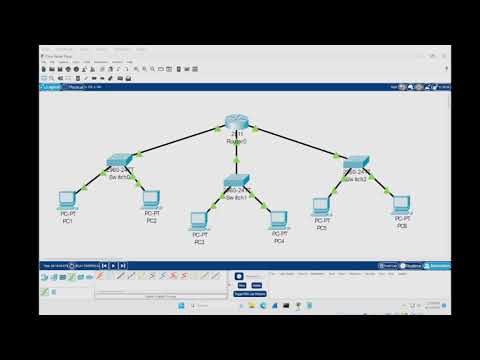
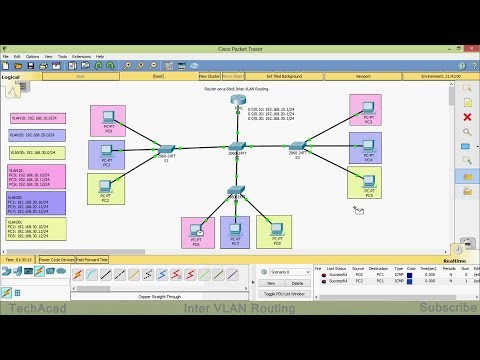
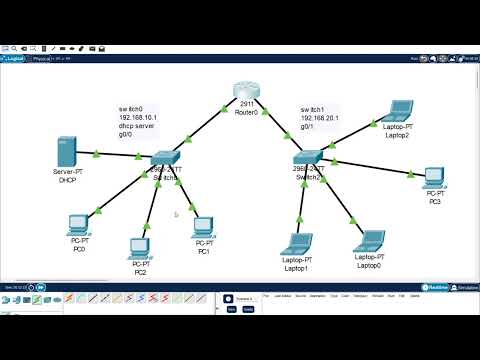
In this tutorial, we take a step deeper into Cisco networking and demonstrate inter-VLAN routing using a Router-on-a-Stick configuration. This is a core technique for enabling communication between different VLANs using a single router. You’ll learn how to: - Create and assign VLANs across two switches - Configure router physical interfaces (no subinterfaces yet!) - Assign static IPs and gateways to all PCs - Test both intra-VLAN and inter-VLAN communication - Troubleshoot using ping, ipconfig, and show vlan This setup is a simplified version of Router-on-a-Stick, perfect for beginners who want to see VLAN segmentation and Layer 3 routing in action. 📘 Full written tutorial (with screenshots): 📚 Explore the full Cisco Packet Tracer tutorial series: 🔗 Connect with me on LinkedIn:
- 20428Просмотров
- 5 месяцев назадОпубликованоBreezy Codes
How to build a simple network with inter-VLAN Routing in CISCO Packet Tracer
Похожее видео





Популярное
Новини