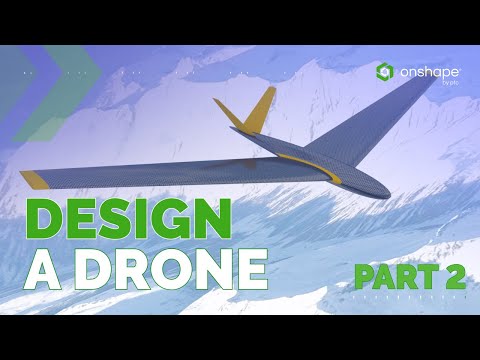
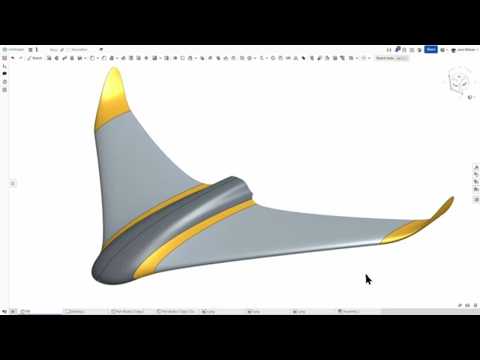
Ever wondered if you could design a complex drone body from just a single line? In this video, we'll show you how to do exactly that using Onshape's unique FeatureScript and Loft tools. We'll start with just one horizontal line and, in a single command, create a fully-lofted, aerodynamic drone concept. This is a professional-level workflow simplified for everyone. It's perfect for beginners and anyone looking to see how modern, cloud-based CAD can save countless hours and turn complex ideas into reality with unprecedented speed. In this video, you will learn: ● How a single line can define an entire design. ● The power of the Profile Generator FeatureScript. ● How to use the Loft command to create a single, unified body. ● An advanced workflow that streamlines your design process. Ready to take your design to the next level? Get a free Onshape Professional subscription to unlock advanced features like Render Studio and structural analysis, which we’ll cover in the next video. Download the Onshape document: You can access the full model and all the features shown in this video by clicking the link to the public document below. What should we build in Part 2? Comment below to let me know what you'd like to see. Should we talk about control surfaces, wing washout, or dihedral? Your feedback will help shape the next video! Subscribe for more: ☑️ HOME ● ☑️ Create a Free Account ● ☑️ BLOG ● FOLLOW US #CAD #Onshape #CAM
- 3853Просмотров
- 2 месяца назадОпубликованоOnshape
Design a Drone with Only One Feature in Onshape
Похожее видео


Популярное
Новини