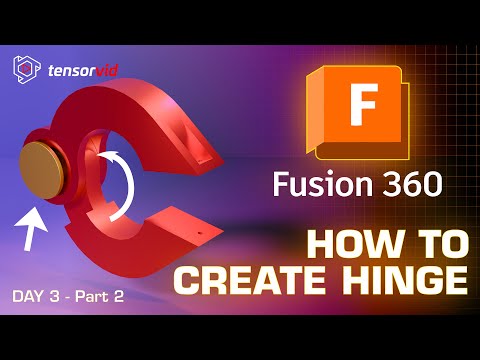
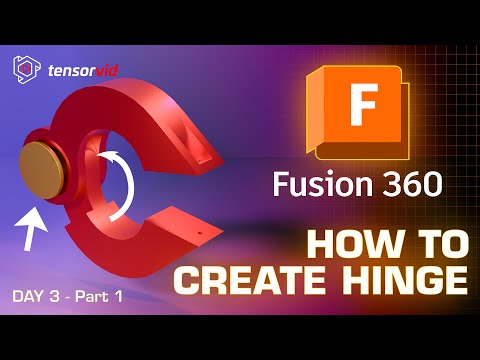
Welcome to Tensorvid — your hub for learning and inspiration. Learn real life skills in broad topic such as design, ai, modelling, and coding. Welcome back to the 'How to create any mechanical shape in Autodesk Fusion 360 Tutorial series for beginners! Part 1 - Part 2 - Playlist - In this Day 3 tutorial, we begin designing a fully functional, print-in-place roller clamp with a working hinge. This video focuses on the most critical phase: setting up the perfect initial sketch and defining the precise 3D printing clearances required for the hinge to move freely. You will learn how to use construction lines, apply powerful geometric constraints, and design with a print-in-place mindset to avoid common manufacturing errors. 0:03 - Intro: Why Clamp Designs Fail and the Secret to Print-in-Place Success 1:15 - Designing the Hinge Joint with Proper Print Clearance 2:45 - Creating Hatch Features and Editing the Main Sketch 4:12 - Extruding Clamp Faces and Adding Fillets for Smooth Edges 5:55 - Creating Center Holes and Adding Threads for a Functional Fit 7:28 - Coloring and Finishing the Clamp Body for Realistic Appearance 8:58 - Fixing the Hinge Area and Redesigning Inner Sections 10:42 - Sketching and Extruding the Hinge with Correct Clearance 12:30 - Assembling Clamp Components and Aligning Joints 14:18 - Perfecting Revolve Motion and Hinge Movement 16:05 - Running Section Analysis and Checking Print Gaps 17:58 - Inspecting Clearances Across All Axes and Adjusting Tolerances 19:13 - Final Review: Working Hinge Demonstration and Print-Ready Clamp This is the next video of the Creating Mechanical Shapes Series—perfect for Fusion 360 beginners, engineering students, hobbyists, and anyone learning CAD design for manufacturing or 3D printing. Software: Autodesk Fusion 360 Key Topics Covered: Print-in-Place Design, Hinge Clearance, Sketch Constraints, Construction Geometry, Mechanical Part Design Don’t forget to check out the full playlist for more Fusion 360 tutorials! #Fusion360Tutorial #Fusion3603DPrinting #Fusion360MechanicalDesign #Fusion360Hinge #CADforBeginners
- 435Просмотров
- 1 месяц назадОпубликованоTensorvid
How to create a hinge Clamp in Fusion 360 Tutorial For Beginners Part 3
Похожее видео








Популярное
Новини